
How to Transcribe Audio to Text for Free: A Step-by-Step Guide
Learn how to transcribe audio to text without spending a dime. This guide offers practical steps, tool recommendations, and editing tips for accuracy and privacy.

DeepScribe Team
Content Team
How to Transcribe Audio to Text for Free: A Step-by-Step Guide
Imagine having a 90-minute lecture to transcribe and a $0 budget. Sounds daunting, right? Yet, with the right approach and tools, getting accurate transcripts for free is within your reach. Whether you're a student, creator, or professional, this guide demystifies the process, offering a practical framework tailored to your needs. You’ll discover how to combine smart file preparation, the perfect free tool for your situation, and a quick 10-minute editing pass. Keep your data secure with offline options like Whisper, or opt for a seamless web experience with DeepScribe. Dive in to understand the real trade-offs of “free” and how to maximize accuracy without spending a cent.
Transcribing Audio for Free: Setting Expectations
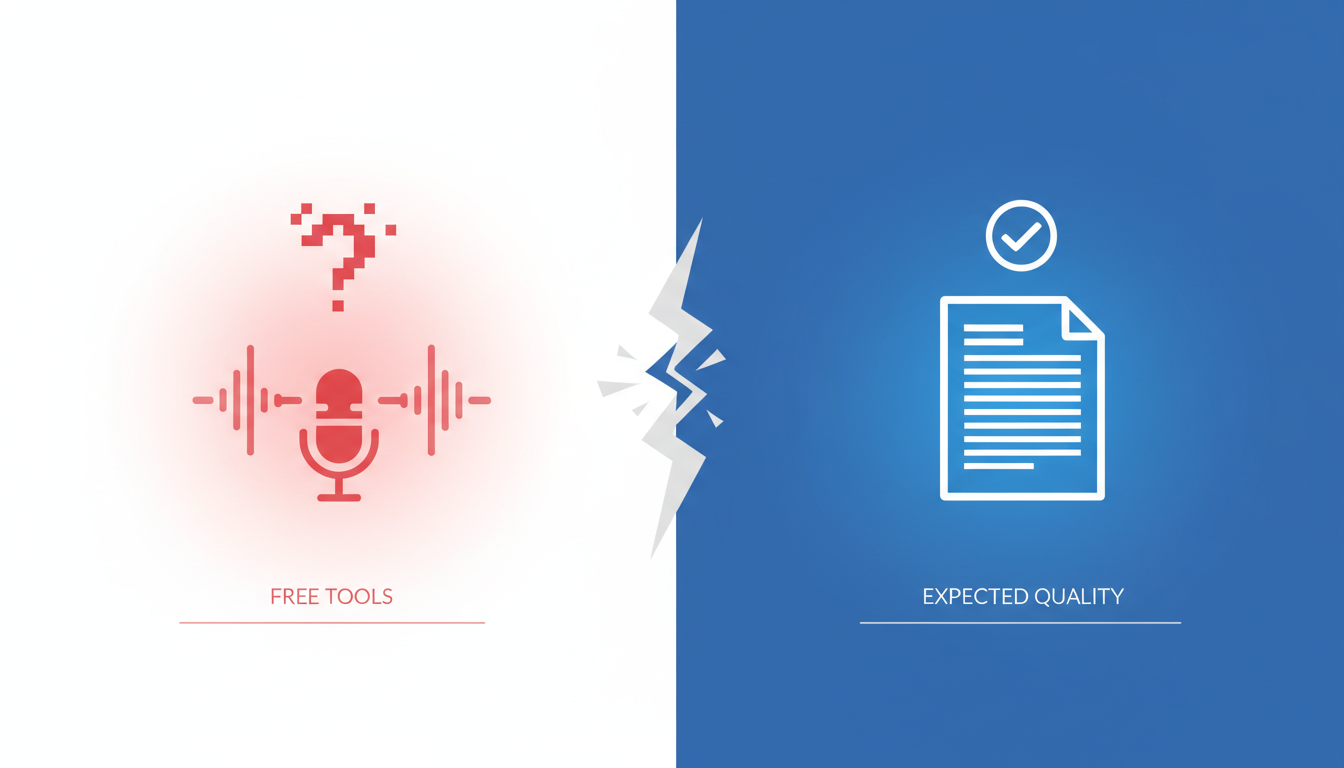
When venturing into the world of audio transcription free solutions, it's crucial to understand the landscape of limitations and trade-offs that come with using free tools. While these resources can be incredibly useful, they often come with constraints such as minute caps, file size restrictions, and potential privacy concerns.
Let's start by addressing the common issue of minute and file size caps. Free transcription tools like Otter.ai offer up to 300 minutes of transcription per month. This is beneficial for occasional use but can quickly become a bottleneck for heavy users. Meanwhile, HappyScribe provides an initial 10 minutes free, ideal for short snippets but limiting for longer projects. Such caps mean it's essential to strategically plan your transcription needs or consider splitting longer files into smaller segments.
Another factor to weigh is privacy trade-offs. Many free tools process audio files on the cloud, raising potential concerns about data security. For those handling sensitive information, opting for locally processed tools like Whisper — which offers unlimited local use — can be a more secure choice, as no data leaves your device. This aligns with the growing preference for offline transcription driven by data privacy priorities.
Beyond these, feature limitations are another aspect. Certain functionalities, like speaker labeling or exporting in multiple formats, might be restricted or entirely unavailable in free versions. It's about balancing what you need against what these free tools can offer.
Key Insight: While free audio to text services provide significant savings, the real cost can be reflected in these limitations.
To make the most out of these tools, identify your key requirements first. If you're a student needing to transcribe a lecture, Otter.ai might suffice. However, for more intricate needs like speaker diarization or exporting SRT subtitles, consider platforms with comprehensive capabilities or allocate time for manual edits.
Remember, each tool's offering varies, but with the right prep and understanding, you can successfully navigate these constraints and still produce quality transcripts for free.
Preparing Your Audio File for Transcription
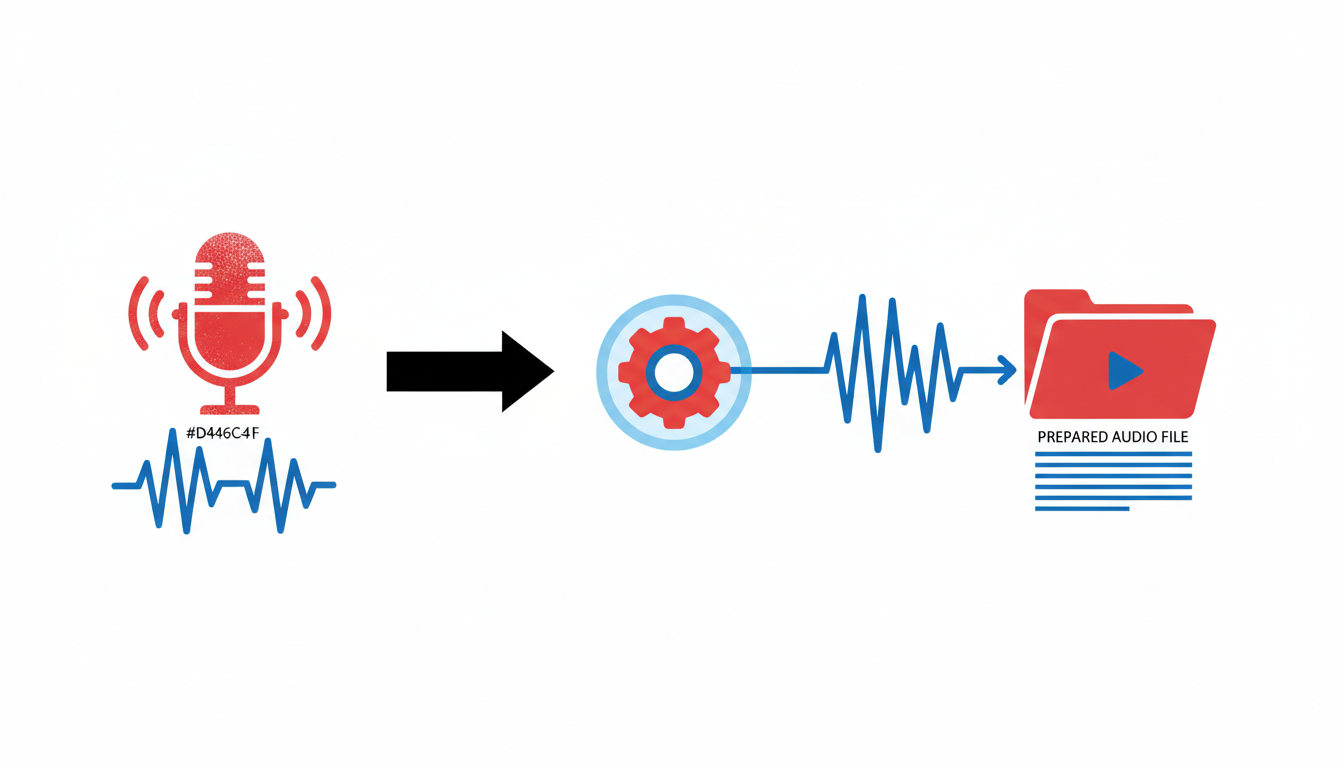
Getting the best results from free AI transcription tools begins with preparing your audio file. This step can significantly boost the accuracy of your transcriptions, hitting up to 96% on clear audio (according to HappyScribe data). Let's dive into how you can enhance your audio to get the most out of free transcription options.
Steps to Enhance Audio Quality
1. Noise Reduction: Clearing background noise is crucial. Use audio editing software like Audacity or GarageBand, both of which are free, to filter out unwanted ambient sounds. This makes your recording much cleaner and ensures the AI tool captures only what's important.
2. Speaker Clarity: Ensure that all speakers are close to the microphone to enhance clarity. Encourage them to speak clearly and at a consistent volume. This reduces errors in transcribing conversations with multiple speakers.
3. Optimal File Formats: While many AI tools support various formats, sticking with common ones like WAV or M4A is advisable as these typically offer better quality. Tools like DeepScribe allow for easy uploads in these formats, making your transcription process even smoother.
Segmenting Long Audio Files
For longer recordings, segmenting your audio into smaller chunks can help you stay within the free minute limits of various tools. For example, Otter.ai offers 300 minutes per month, while HappyScribe gives the first 10 minutes free. Dividing your content into smaller segments means you can transcribe more material without exceeding these caps.
Why Clean Audio Matters
Clean audio significantly improves transcription accuracy. Many AI transcription tools boast up to 96% accuracy with high-quality recordings, but that percentage can drop with background noise or unclear speech. By investing a little time in cleaning and preparing your audio, you're setting yourself up to get a solid first draft quickly.
Key Takeaway: Invest time in preparing your audio—noise reduction, speaker clarity, and optimal formats are your go-tos for getting the best out of any free transcription service.
To explore more on optimizing your transcription process, you might visit DeepScribe’s blog for additional tips and tutorials.
Core Workflow for Free Transcription
Embarking on your transcription journey, especially when aiming to do it for free, begins with a well-organized workflow. Let's break down the process into manageable steps to help you efficiently convert audio to text with optimal accuracy.
Step 1: Smart File Preparation
The foundation of a successful transcription lies in how you prepare your audio files. Start by ensuring your recordings are clear and free of excessive background noise. You can use basic audio editing tools to trim unnecessary parts and enhance clarity. For instance, cutting out long silences or irrelevant sections saves processing time and headaches later.
Pro Tip: Keeping files in widely accepted formats like MP3 or WAV ensures compatibility with most transcription tools, including DeepScribe and Whisper.
Step 2: Choosing the Right Tool for Your Needs
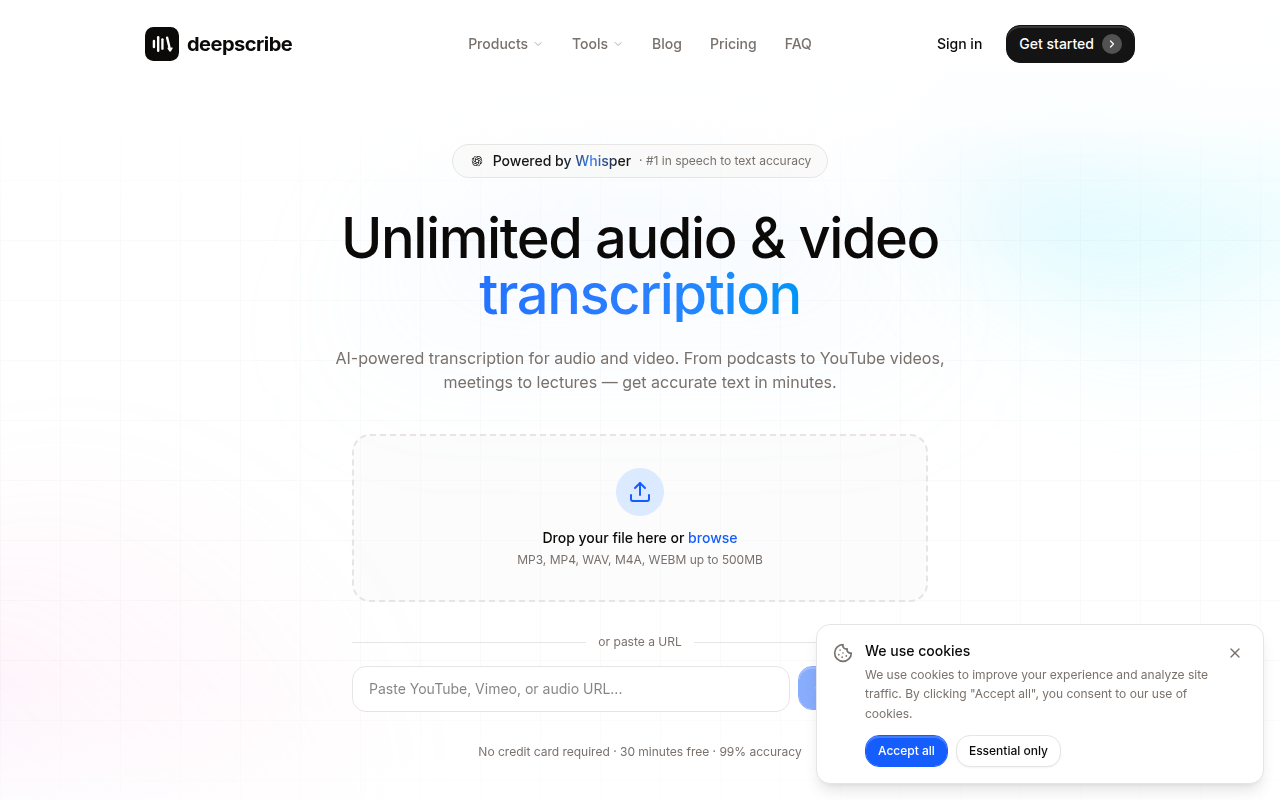
Next, select a transcription tool that aligns with your specific constraints. If you want ease and speed, consider DeepScribe. It's powered by Whisper and can transcribe audio files quickly, offering free transcription of up to 30 minutes per month without even needing a credit card. For privacy-centric users, Whisper itself is a robust option. It allows for unlimited local use, ensuring that your files don’t leave your device—ideal for sensitive material.
Step 3: Uploading and Transcription
With your tool selected, proceed to upload your audio file. Most platforms, like DeepScribe, offer a seamless drag-and-drop interface. During transcription, tools like DeepScribe automatically handle speaker labeling, which is crucial for multi-speaker environments like interviews and podcasts.
Step 4: Speaker Labeling and Diarization
Accurate speaker labeling enhances transcript readability and context. For instance, DeepScribe automatically distinguishes between speakers, which is essential for turning conversations into actionable insights. Real-time speaker differentiation helps maintain the narrative flow and ensures clarity for whoever revisits the transcripts later.
Step 5: Exporting the Transcription
After processing, exporting your transcript is the next step. With DeepScribe, you can easily export in formats such as TXT or SRT, which are useful for sharing or embedding in videos. This option is pivotal for creators needing captions or professionals preparing detailed documents.
Step 6: Performing a Quick 10-Minute Edit
Lastly, invest a brief session to polish the transcript. Focus on correcting any errors, removing filler words, and ensuring speaker labels are properly aligned. According to HappyScribe data, combining AI-powered transcription with a quick human review can push accuracy from 96% to as high as 99%.
Key Insight: A meticulous but swift review not only boosts accuracy but also elevates your transcript's professionalism, making it suitable for immediate use.
By following this streamlined workflow, you can effectively transcribe audio to text for free, navigating through constraints with confidence and precision. Keep this guide handy, and as you explore tools like DeepScribe, remember that a little preparation and the right choices can go a long way in producing high-quality transcriptions.
Choosing the Right Free Tool for Your Needs
When it comes to picking the best AI transcription tool free of charge, aligning the choice with your specific requirements is crucial. Let's break it down based on speed, privacy, and handling long audio files.
Decision Framework: Speed, Privacy, and Long Audio
For the fastest and simplest experience, DeepScribe takes the spotlight. Offering a seamless drag-and-drop functionality, it's perfect for users who prioritize swift, speaker-labeled transcripts without the hassle. Its free plan starts at 30 minutes/month, providing enough leeway for shorter tasks, and supports exports in TXT and SRT formats.
If privacy is your main concern, local processing with Whisper should be your go-to. Since it operates offline without sending data over the internet, Whisper guarantees that your sensitive recordings remain confidential. Plus, it boasts support for 99 languages, making it versatile for multilingual users. However, it requires some technical setup as it caters mainly to tech-savvy individuals.
Handling long audio recordings? Whisper again shines here due to its unlimited local use, free from the common constraints of online tools. But if you're looking for a web-based solution, DeepScribe offers straightforward processing though with a monthly cap.
Tool Comparisons
Below is a quick comparison of each tool's offerings and constraints:
| Feature | DeepScribe (Free) | Whisper (Local) | Otter.ai (Free) | HappyScribe (Free Trial) |
|---|---|---|---|---|
| Minutes/Month | 30 | Unlimited | 300 | 10 (trial) |
| Language Support | 100+ (Pro/Business) | 99 | Limited | Multiple |
| Ease of Use | Drag-and-drop, web | Local setup required | Web app | Web app |
| Export Formats | TXT, SRT | Varies | TXT, PDF | VTT, SRT |
| Privacy | Online | Offline/local | Online | Online |
Using Otter.ai and HappyScribe
Otter.ai is a solid option when you need a decent amount of monthly transcription minutes—with 300 free minutes, it's suitable for regular but short sessions. However, remember that data is handled online, which might raise privacy concerns.
HappyScribe provides a taste of its capabilities with a 10-minute free trial. It's a great way to evaluate their transcription accuracy, which can reach up to 96% on clear audio. While the free tier is limited, it's an excellent choice if you're considering an upgrade in the future for more comprehensive features.
Choosing the right tool hinges not just on what you're transcribing, but how. Need real-time meeting insights? Read how DeepScribe excels in meeting transcription.
In summary, think critically about the nature of your audio files, privacy needs, and your capacity for tech setups. Matching these factors with the right tool ensures a smoother journey from audio to text.
DeepScribe: The Easiest Free Transcription Path
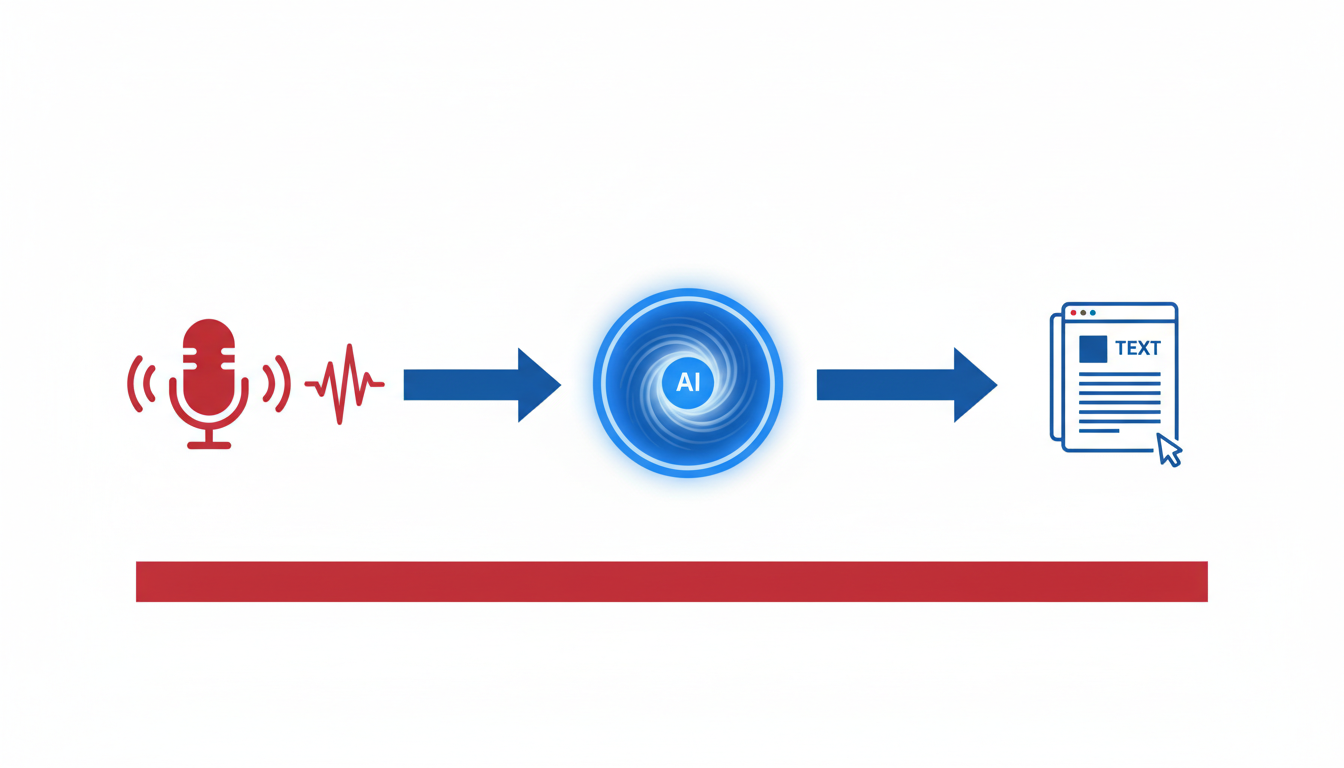
When it comes to free transcription options, DeepScribe offers a remarkably straightforward solution, especially for those who prioritize ease and efficiency. At the heart of DeepScribe's user-friendly design is its drag-and-drop functionality. This means you can simply upload your audio or video files without fuss. Once uploaded, DeepScribe gives you 30 minutes of free transcription each month, offering a generous starting point for those new to transcription or working within tight timeframes.
What makes DeepScribe particularly appealing is its use of speaker labels and various export formats, such as TXT and SRT. These tools are crucial if you need to keep track of who said what in multi-speaker recordings, like interviews or meetings. For creators and professionals alike, exporting transcripts in these formats enables seamless integration into various workflows—be it creating subtitles for videos or compiling notes for a podcast.
Moreover, DeepScribe is powered by Whisper, known for its exceptional accuracy. This setup allows users to achieve rapid processing speeds and high-quality transcriptions from the get-go. Many AI transcription tools boast up to 96% accuracy on clear audio, with numbers rising to 99% with human proofreading (source: HappyScribe data). DeepScribe leverages this technology to deliver accurate results quickly, making it a valuable tool for users who need to manage tight deadlines or produce reliable outputs without extensive editing.
DeepScribe's integration of Whisper technology ensures both speed and accuracy, marrying convenience with consistent quality—a factor that's vital for projects with multiple speakers and diverse content needs.
Finally, DeepScribe's privacy protocols align with the growing trend towards offline transcription tools driven by data privacy concerns. While it operates online, its commitment to secure processing and automatic data deletion after transcriptions offer peace of mind. For anyone navigating the complex landscape of free transcription options, DeepScribe stands out as an uncomplicated, efficient choice that doesn't compromise on quality or security.
Explore DeepScribe and see firsthand how these features can dramatically simplify your transcription process, making it the ideal pick for many users seeking precision without complexity.
Tackling Long Audio Files: Strategies and Tools
Dealing with long audio files can be a bit daunting, but with the right strategies and tools, you can transcribe them efficiently and for free. Let's dive into how you can manage these lengthy recordings and which tools to consider.
Splitting and Batching for Effective Transcription
When working with long audio files, splitting them into smaller segments is key. This approach not only makes the transcription process manageable but ensures you stay within the limits of free tools. You can use free software like Audacity to break recordings into shorter chunks. Aim for segments of 10-20 minutes to align with free tool capacities, like HappyScribe’s 10 minutes free limit.
Tip: Label each segment clearly to maintain the context and order when transcribing.
Harness Whisper’s Power for Unlimited Offline Use
For those comfortable with a bit of technical setup, Whisper by OpenAI is a powerhouse for handling long audio files offline. Whisper offers unlimited local use, making it invaluable for transcribing extensive recordings without worrying about monthly caps. Plus, it supports 99 languages, offering remarkable flexibility and privacy — perfect for users handling sensitive information.
- Set up Whisper locally: While it requires some tech expertise, the rewards include enhanced privacy and unlimited transcription.
Leveraging DeepScribe for Simplicity and Speed
For a more user-friendly option, consider DeepScribe, which is empowered by Whisper's capabilities. DeepScribe provides a smooth, drag-and-drop interface, simplifying the transcription of longer recordings. While its free plan offers 30 minutes/month, combining it with strategic segmentation can extend your usage.
- Export options: DeepScribe supports TXT and SRT formats, allowing for easy sharing and subtitling, essential for creators and professionals alike.
Deciding on the Right Tool
Choosing between these tools depends on your needs and comfort level. If privacy and unlimited use are top priorities, Whisper might be your go-to. For a seamless, beginner-friendly experience, especially when starting free, DeepScribe shines with its quick setup and user interface.
In the end, the goal is to match the tool’s strengths with your transcription requirements — whether it’s the offline capabilities of Whisper or the simplicity of DeepScribe’s interface.
Maximizing Accuracy with Simple Editing Techniques
Getting your transcript to near-perfect accuracy doesn’t have to be a time-consuming task. Here’s a quick editing checklist to help you achieve clarity and precision:
Remove Filler Words: Start by clearing unnecessary filler words like "um," "uh," and "you know." These distract from the main content and clutter the transcript. Many AI transcription tools can automatically highlight these or you might easily spot them during playback.
Ensure Speaker Separation: Properly separate speakers to enhance readability and context. Most modern transcription tools offer automatic speaker labeling, but you can manually adjust if the AI misidentifies. DeepScribe, for instance, excels at this with its advanced speaker detection capabilities.
Clarity Improvements: Scan through the transcript for unclear passages, which often arise from background noise or strong accents. Highlight these areas and, if possible, replay the audio to fill in gaps or correct misheard words.
Methodical Approach to Editing
To approach up to 99% accuracy, as data from HappyScribe suggests, pair the AI's transcription with a human review. Here’s how to streamline this process:
- Work in short sections, focusing on one-minute increments. This prevents fatigue and ensures focus on details.
- Utilize text editors or transcription tools that allow playback speeds of 1.5–2x to rapidly cover sections while listening for errors.
- Maintain consistency with terminology, which is particularly crucial for technical subjects or specialized fields. Create a glossary for repeated terms to ensure uniformity throughout the document.
It's insightful to remember that transcription accuracy can reach up to 96% with clear audio, and this number climbs with a meticulous edit pass.
"For users who demand precision, investing ten minutes in review significantly upgrades transcript quality," say experts from transcription data analysis.
Consider using dedicated AI transcription tools that facilitate easy exports and final adjustments, such as DeepScribe, which supports exporting in formats like TXT and SRT, allowing easy integration with other content platforms.
Embed these simple yet effective techniques into your workflow to maximize transcription quality without intensive labor.
Frequently Asked Questions
How do multilingual transcripts work?
Multilingual transcription is about converting audio from different languages into text. DeepScribe supports transcription in 100+ languages, making it an excellent choice for international teams. It automatically detects the language being spoken, ensuring accurate transcription without needing to manually set preferences beforehand. This feature is perfect for diverse teams conducting global meetings or handling content in multiple languages.
How can I manage background noise?
Dealing with background noise can be challenging, but choosing the right tools and following certain practices can help. DeepScribe, powered by Whisper, is designed to handle background noise effectively, increasing accuracy even in less than ideal conditions. For best results, ensure recordings are made in a controlled environment and consider using high-quality microphones. Some tools also offer noise reduction features, so look for these options if background noise is a persistent issue.
What about transcribing multiple speakers?
Transcribing audio with multiple speakers requires advanced speaker diarization capabilities to differentiate between voices. DeepScribe excels here by automatically identifying and labeling different speakers, making it easier to follow and attribute conversations. This is particularly useful in interviews and group meetings where knowing who said what is crucial.
How can I create subtitles and captions?
Creating subtitles and captions is easy with the right tools. DeepScribe supports exporting transcripts into subtitle formats like SRT and VTT, which are compatible with most video platforms. This allows content creators to enhance their videos with accurate captions, improving accessibility and engagement. Other tools have similar capabilities, but DeepScribe offers these features in a streamlined, user-friendly interface, perfect for those needing a quick and efficient solution.
Key Takeaway: For multilingual transcription, multiple speakers, and effective background noise handling, tools like DeepScribe provide powerful features to create accurate and usable transcripts, transforming audio into clear, structured text. These capabilities ensure diverse and complex audio content is transcribed accurately, meeting the needs of a wide range of users.
Frequently Asked Questions
What is the best free tool for transcribing long audio files?
Whisper is ideal for tech-savvy users needing to transcribe long files offline due to its unlimited processing capabilities.
How accurate are free transcription tools?
Free tools, with proper audio prep and editing, can reach up to 96% accuracy on clear audio with further improvements possible post-edit.
Can I transcribe multiple languages using free tools?
Yes, Whisper offers multilingual support, handling 99 languages, and DeepScribe can also be used for broad language transcription.
How do I improve the accuracy of automatic transcripts?
Start with quality audio preparation, use speaker labels effectively, and perform a systematic editing pass.
Are free transcription tools secure for sensitive data?
Offline tools like Whisper provide a privacy-first approach, avoiding potential data sharing concerns with web apps.
Conclusion
Transcribing audio to text for free is simpler than ever with the right tools. Here's a quick recap to help you choose the best path:
- Most users: Start with DeepScribe’s user-friendly drag-and-drop feature. You can export your work as TXT or SRT and make quick edits, all while enjoying a seamless, AI-powered experience.
- Long, private, or technical needs: If you need local processing, Whisper is your go-to for handling longer or sensitive content.
- Occasional users with monthly limits: Otter and HappyScribe offer useful free tiers, perfect for those who have lighter transcription needs.
Ready to give it a try? Begin with DeepScribe and explore its capabilities to transform your transcription tasks. Check out our guides on Zoom transcription, meeting intelligence, and YouTube transcription for more insights. Happy transcribing!
Written by

DeepScribe Team
Content Team
The DeepScribe content team shares insights on audio transcription and AI technology.
Related Articles
Continue reading about this topic

10 Best Free AI Transcription Tools (No-Hassle Picks)
Discover the best free AI transcription tools by use case. Learn what constraints to watch and start with DeepScribe for easy, accurate transcription.

DeepScribe Team
February 27, 2026 · 29 min read · 5,659 words