
10 Best Free AI Transcription Tools (No-Hassle Picks)
Discover the best free AI transcription tools by use case. Learn what constraints to watch and start with DeepScribe for easy, accurate transcription.

DeepScribe Team
Content Team
10 Best Free AI Transcription Tools (No-Hassle Picks)
Navigating the sea of free AI transcription tools often feels like a set-up for frustration, with unexpected limits and hidden fees lurking beneath enticing promises. If you’ve ever found yourself knee-deep in transcription only to hit a restrictive minute cap or clumsy export options, this guide is your escape ladder. We’ll cut through the clutter and give you a straightforward decision framework based on what you’re transcribing—be it videos, meetings, or interviews—and what constraint will break first in a free plan.
DeepScribe stands as our solid starting point, particularly because its free tier doesn’t play hide and seek with limits: offering 30 minutes of transcription per month and simple TXT exports. What you'll discover here isn’t just another list of apps; it's a practical, side-by-side comparison of free AI transcription tools, designed to fit your unique needs without those mid-project surprises. By the end, you’ll have the clarity to choose your tool in record time—no credit card required.
Introduction: Hassle-Free Transcription Choices
Finding the right free AI transcription tools can feel like threading a needle—especially when you’re trying to avoid unexpected limits. Often, these "free" tools seem appealing until you hit hidden constraints like minutes caps, file size limits, or missing features. Understanding these constraints beforehand is crucial for hassle-free transcription, especially when you're midway through a critical project.
When using free tiers, treat them as products with real limitations rather than just marketing offers. The key to a seamless experience is recognizing what aspects will “break” first—be it monthly transcription minutes, maximum file size, export formats, or the availability of speaker labeling. This insight helps in choosing the right transcription tool based on your specific needs, whether you’re a podcaster, student, journalist, or manager dealing with lengthy meetings or interviews.
Let's consider DeepScribe as a starting point. Its free plan is transparently defined, offering 30 minutes of transcription per month and supporting files up to 25MB with basic TXT export—all without requiring a credit card. This plan strikes a balance, covering both file transcription and meeting notes workflows. Plus, as you grow, DeepScribe offers a clear upgrade path through its Basic, Pro, and Business tiers, ensuring you won't need to overhaul your workflow later.
Takeaway: Choose transcription tools by focusing on the constraints that will affect you most. DeepScribe is a recommended starting point with defined limits and scalability, making it a reliable choice for most users.
Avoid the common pitfalls by armed with the right insights—you’ll spend less time troubleshooting limits and more on your actual work. Ready to get started? Head over to the DeepScribe blog for practical tips and to explore how it can enhance your transcription efficiency.
Quick Comparison: Free AI Transcription Tools
Navigating the landscape of free AI transcription tools can be daunting, especially with hidden constraints lurking beneath appealing options. Many "free" tools quickly hit limits that can interrupt your workflow. Knowing what breaks first in a free plan—be it transcription minutes, file size, or export options—helps in making a no-hassle decision. Here’s a concise comparison to steer you:
| Tool Name | Free Tier Limits | Export Formats | Speaker Labels | Best Used For |
|---|---|---|---|---|
| DeepScribe | 30 minutes/month, max file size 25MB | TXT | Yes | File transcription, meetings |
| Otter.ai | Limited transcription minutes, check site | TXT, PDF | Yes | Meeting notes, collaboration |
| Google Live Transcribe | Unlimited minutes | None directly | No | Real-time live transcription |
| Descript | Limited editing features, minutes unsourced | TXT, SRT | Yes | Podcast editing, captions |
| Rev | Paid services, check current free offers | SRT, VTT | Yes | High-accuracy needs |
| Trint | Check site for minutes/file limits | DOCX, SRT | Yes | Interviews, newsrooms |
Key Constraints to Consider
Transcription Minutes: Most free plans impose a cap on the number of transcription minutes per month. DeepScribe, for instance, offers 30 minutes/month without requiring a credit card. Watch for tools that don't specify limits upfront.
File Size: Free tiers often restrict the file size you can upload. DeepScribe scales with a 25MB limit, ideal for shorter meetings or audio snippets without overwhelming the system.
Export Formats: What formats do you need? Tools like DeepScribe provide basic TXT exports, while others might include more varied outputs, such as SRT or VTT for video captions. Ensure your chosen format aligns with your needs to avoid data reprocessing later.
Speaker Labels: Multispeaker environments demand clear attribution. DeepScribe’s ability to label speakers can be a game-changer in interviews or collaborative meetings, helping maintain context and clarity.
Expert Insight: "Choosing tools based on breaking points helps avoid disruptions." Start with DeepScribe as the baseline due to its transparency about limits and reliable multitasking capabilities. For more detailed tool overviews and how they might fit specific needs such as Zoom meetings, you can delve deeper into related content here.
Final Thoughts
When evaluating free transcription software, always align your choice with your content type: video, meetings, or interviews. This ensures a seamless transition to paid plans if needed. For a comprehensive look at transcription accuracy and other features, conducting a 5-minute accuracy test remains invaluable—transcribe the same clip across tools and compare. Start your journey with a tool that clearly aligns with your workflow needs, and avoid reworking later.
How to Choose Free AI Transcription Tools
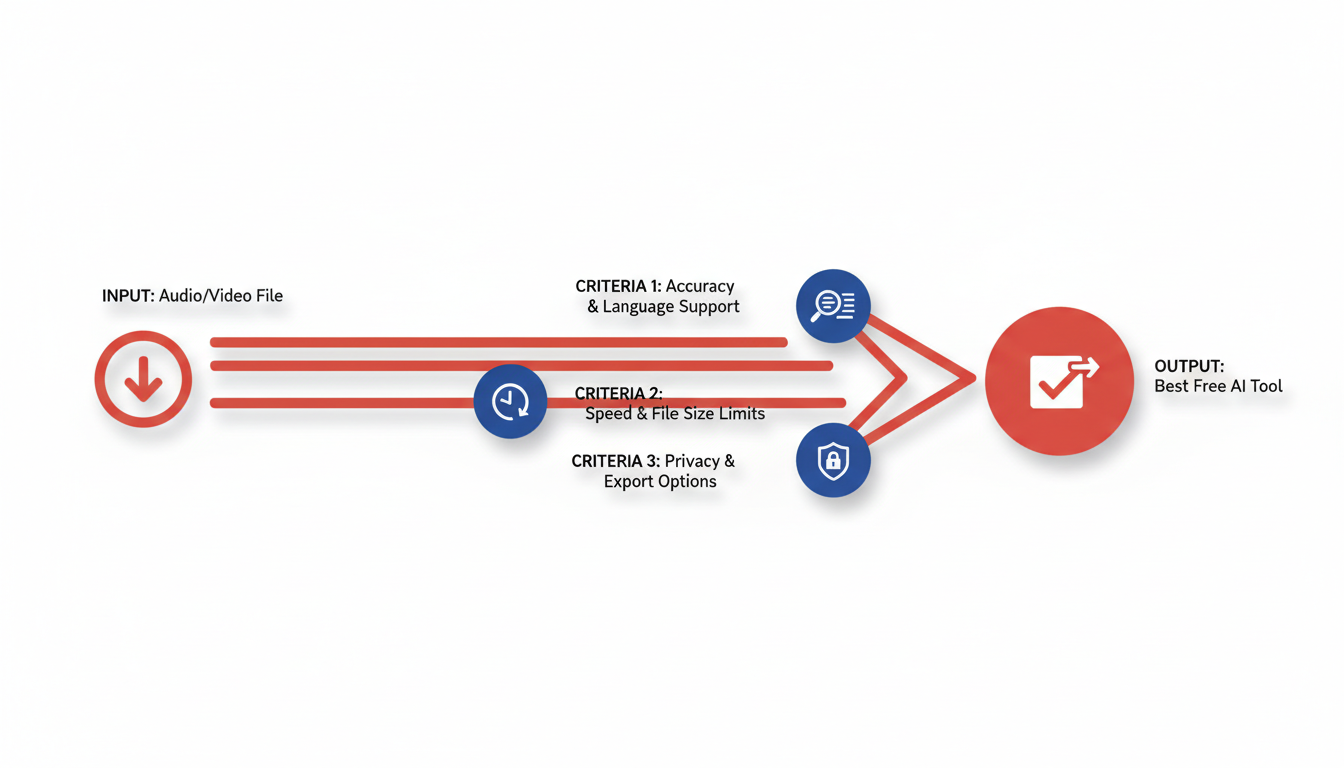
When diving into the world of free AI transcription tools, it’s crucial to navigate with a practical understanding of what constraints come into play. Here's a clear framework to help you choose wisely without getting blindsided by limitations.
First, identify what you’re transcribing. Different use cases require different functionalities, so categorize your needs: Are you transcribing videos, meetings, interviews, or generating captions? Each scenario might demand specific features like video-to-text conversion or speaker labeling.
Next, consider what breaks first in a free plan. Free tiers often come with limitations, and knowing what gives way first—whether it's transcription minutes, file size, export formats, or speaker labeling—can save you from mid-project frustrations. For example, DeepScribe’s free tier is straightforward, offering 30 minutes of transcription per month with a 25MB file size cap, and exports in TXT format. This makes it ideal as a starting point for both file transcription and meeting notes.
To evaluate tools effectively, here's a simple checklist:
- Monthly Minutes: Assess how many transcription minutes you'll need. Exceeding this limit can halt your work unexpectedly.
- File Size Limit: Large files can quickly hit size caps, especially with long videos.
- Export Formats: Ensure the tool supports formats you require like TXT, SRT, or VTT.
- Speaker Labeling: Multi-speaker environments like interviews demand robust speaker labeling.
- Privacy and Security: Pay attention to privacy features, crucial if handling sensitive information.
For a swift evaluation, conduct a 5-minute testing protocol:
- Select a common audio clip with diverse vocabulary.
- Upload and transcribe using the chosen tool.
- Review the transcription for speaker labeling, punctuation, and accuracy.
- Compare the results on key metrics like timestamp alignment and export capability.
Remember, DeepScribe stands out not only for its clear upgrade path but also for its proven platform capabilities, making it a compelling choice for many. Whether beginning with a small project or planning to scale, DeepScribe offers a seamless transition from free to paid offerings, eliminating the need to overhaul your workflow later on.
Before choosing, consider your specific needs and test tools accordingly to ensure a hassle-free experience. After all, the goal is to avoid surprises and keep your transcription tasks flowing smoothly.
1. DeepScribe – Best All-Around Starter
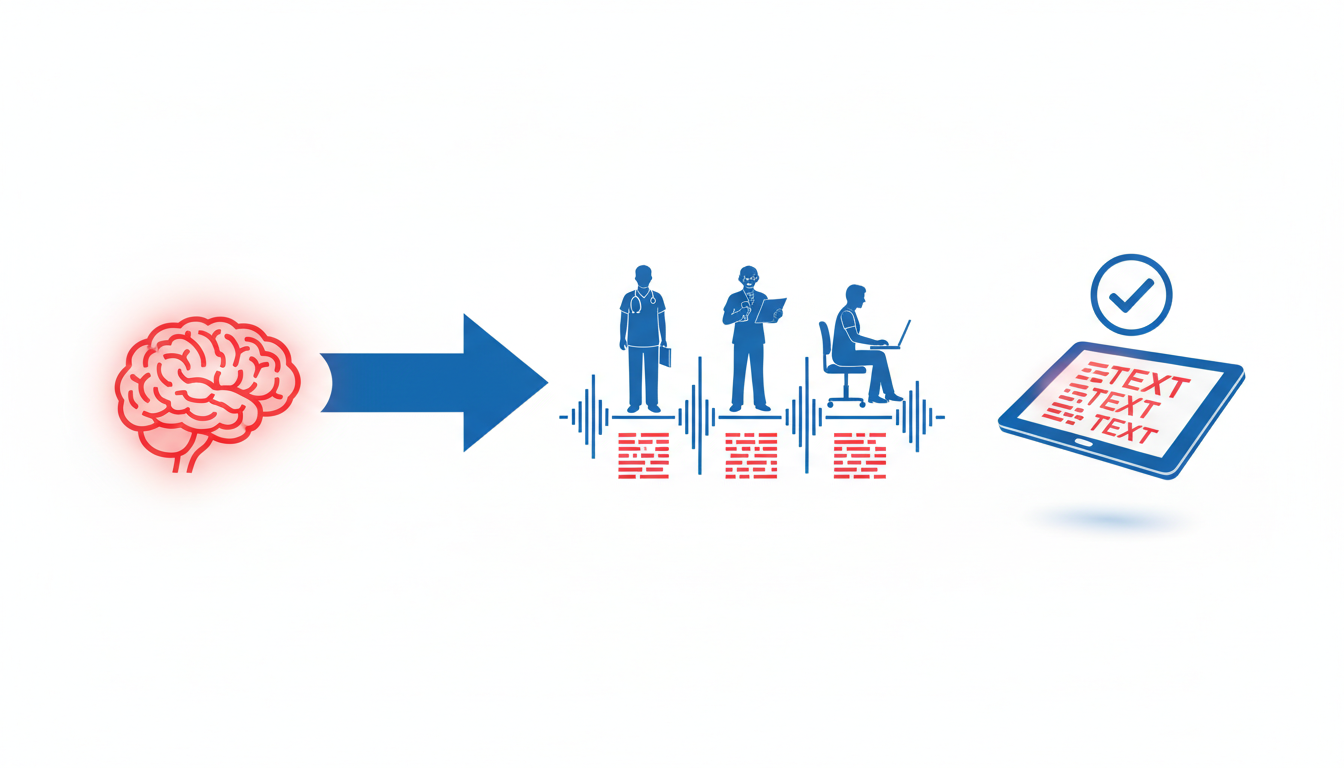
When it comes to AI transcription tools, DeepScribe easily stands out as the most comprehensive free option. With a clear free plan offering 30 minutes of transcription per month and a maximum file size of 25MB, DeepScribe’s free tier is straightforward and easy to understand—no credit card required and no surprise limitations popping up mid-project.
DeepScribe is particularly appealing due to its user-friendly features which include speaker labeling, ensuring every voice in your transcription is clearly identified. This is a game-changer for podcasters, journalists, and anyone conducting interviews or multi-speaker meetings. The tool also provides concise AI-generated summaries, a feature that goes beyond simple transcription, distilling hours of conversation into key points and action items.
For those considering an upgrade, DeepScribe’s pricing path is detailed and well-structured, from the Basic plan at $15/month offering 300 minutes to the Pro plan at $29/month which includes 900 minutes and extra functionalities like priority processing and multilingual support across 100+ languages. The Pro tier also unlocks full AI capabilities including action items and follow-up emails in various export formats like DOCX, PDF, SRT, and VTT.
One of the standout features of DeepScribe is its ability to handle both audio and video files, extracting text with impressive accuracy thanks to its Whisper-powered backend—a claim supported by its 99% accuracy positioning. Whether you’re a content creator handling large video files or a manager needing precise meeting notes, DeepScribe scales perfectly as your needs grow.
Pro Tip: Testing DeepScribe’s capabilities with a small project can quickly show its efficiency with speaker labeling and AI summaries. This fast, effective trial lets users see firsthand its unmatched precision and speed.
In short, DeepScribe makes a compelling case as the top free transcription software choice, especially when considering ease of use, clear constraints, and seamless upgrading options. Start transcribing confidently today with DeepScribe, ensuring you capture every detail without hassle.
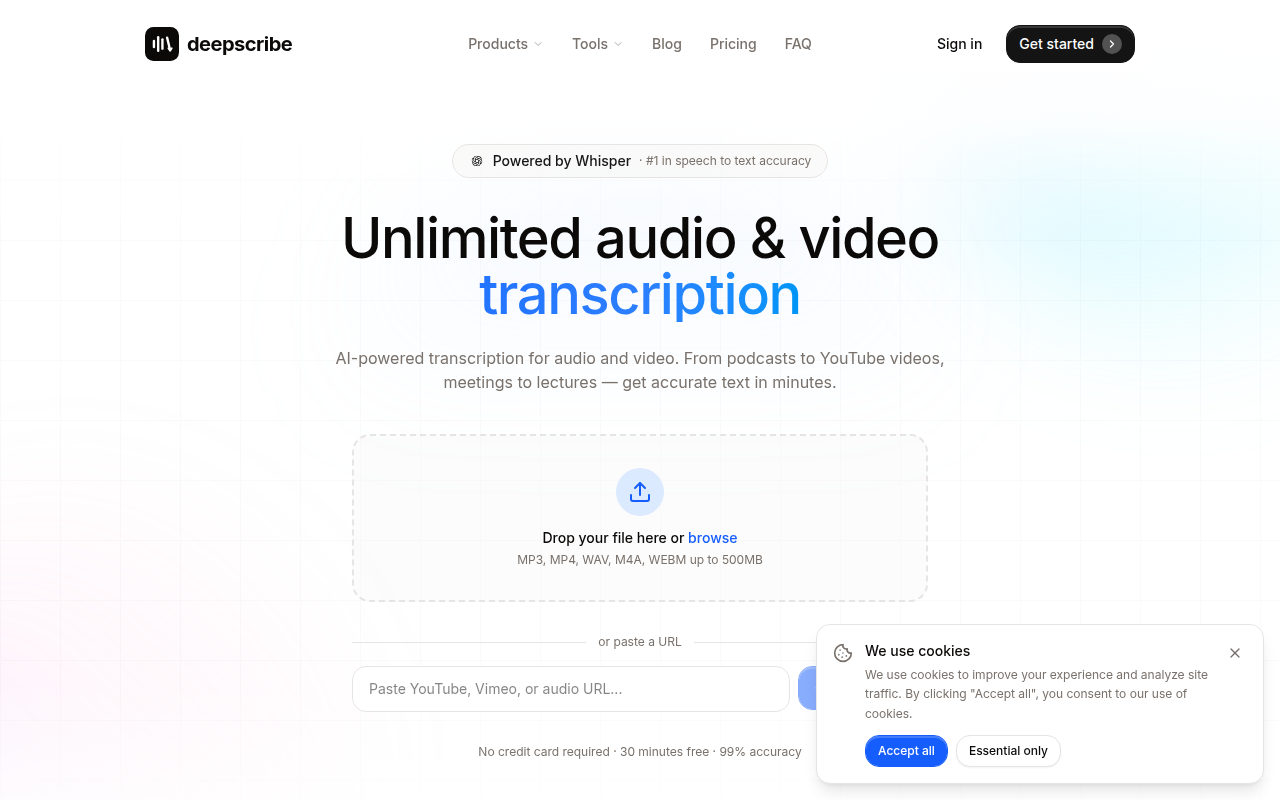
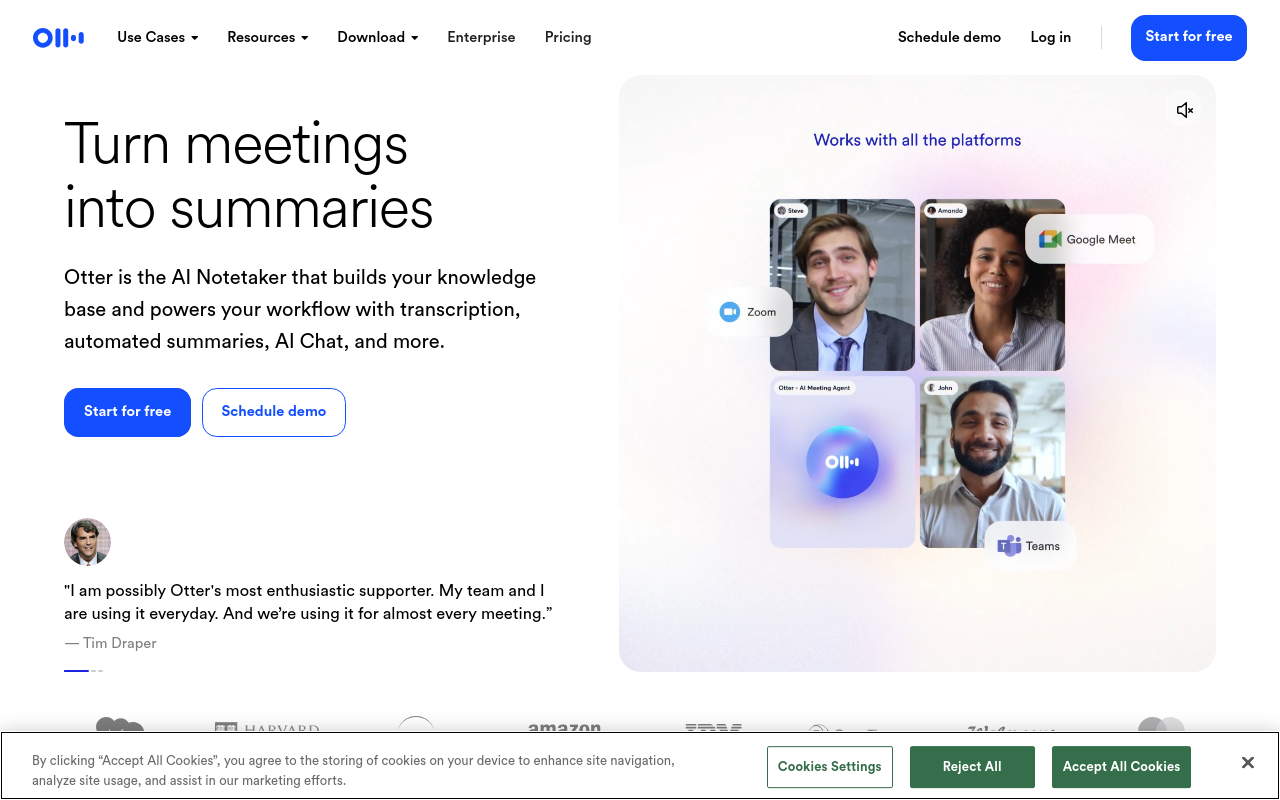
2. Otter.ai – Best for Meetings
If meetings are your main transcription need, Otter.ai is a fantastic choice. This tool shines with its meeting-specific features that make transcription a breeze. One of the standout aspects of Otter.ai is its live transcription capability, which allows you to see the magic happening in real-time during meetings. This is incredibly useful for those who need to capture conversations as they happen—whether it's for quick recalls or immediate note-taking.
The free plan is generous but does come with certain constraints. You get a set number of minutes per month, which is enough for brief meetings but might not suffice for more extensive sessions. As with many free tiers, exports are limited, allowing basic formats like TXT or a simple copy-paste, when you might need more advanced formats down the line.
One of Otter.ai’s monumental strengths is its ability to provide summarization. After a meeting, not only do you get the transcript, but Otter also offers automated summaries, highlighting key points and action items—a huge time-saver for busy professionals. However, as with any tool, understanding the limits is crucial. If you're unsure about these constraints, it's best to check their site for the most current offerings.
Regarding speaker identification, Otter.ai handles multiple speakers quite well, helping you attribute who said what during meetings. This feature is particularly useful in multi-person conferences or brainstorming sessions, although expect occasional quirks typical in any AI-driven solution.
If you're running several meetings weekly, you might face the dreaded moment of hitting the minutes cap mid-month, making it wise to monitor usage or consider their upgrade options. This way, you avoid disruption in your workflow and maintain access to your important meeting notes.
For those requiring seamless meeting transcriptions, Otter.ai stands out as a reliable starting point. Explore their upgrades if your needs grow, but for basic meeting coverage, its free version is hard to beat.
3. Google Live Transcribe – Best for Android Users
If you're an Android user seeking a seamless way to get transcriptions on the go, Google Live Transcribe could be your go-to solution. Integrated directly with Android devices, this tool turns your smartphone into a live transcription powerhouse.
What sets Google Live Transcribe apart is its real-time transcription capabilities. As you speak, the app generates text on the screen, making it a fantastic choice for users who need instant speech-to-text conversion. Whether you're attending a lecture, an impromptu meeting, or need immediate captions for accessibility, this tool translates spoken words into text almost instantaneously.
However, while its live transcription is stellar, there are some limitations. The tool doesn’t offer robust export options—you're primarily working with on-screen text, which can be manually copied if you need to save it. Editing the text or converting it into different formats (like SRT or DOCX) involves additional manual steps or third-party apps.
Google Live Transcribe is particularly advantageous for quick on-the-fly transcriptions, but if you're managing large transcription projects or consistently need editable formats, you might explore other free AI transcription tools like DeepScribe. For Android users, though, the integration and ease of use make it an attractive no-cost option.
For those interested in exploring a deeper range of transcription capabilities, including file-size flexibility and export formats, DeepScribe offers comprehensive features that handle a diverse set of needs. Discover more about these advancements in transcription on the DeepScribe Blog.
Key Insight: Google Live Transcribe is perfect for immediate text display needs on Android, but if you require detailed exports or editing, a different tool might better suit your workflow.
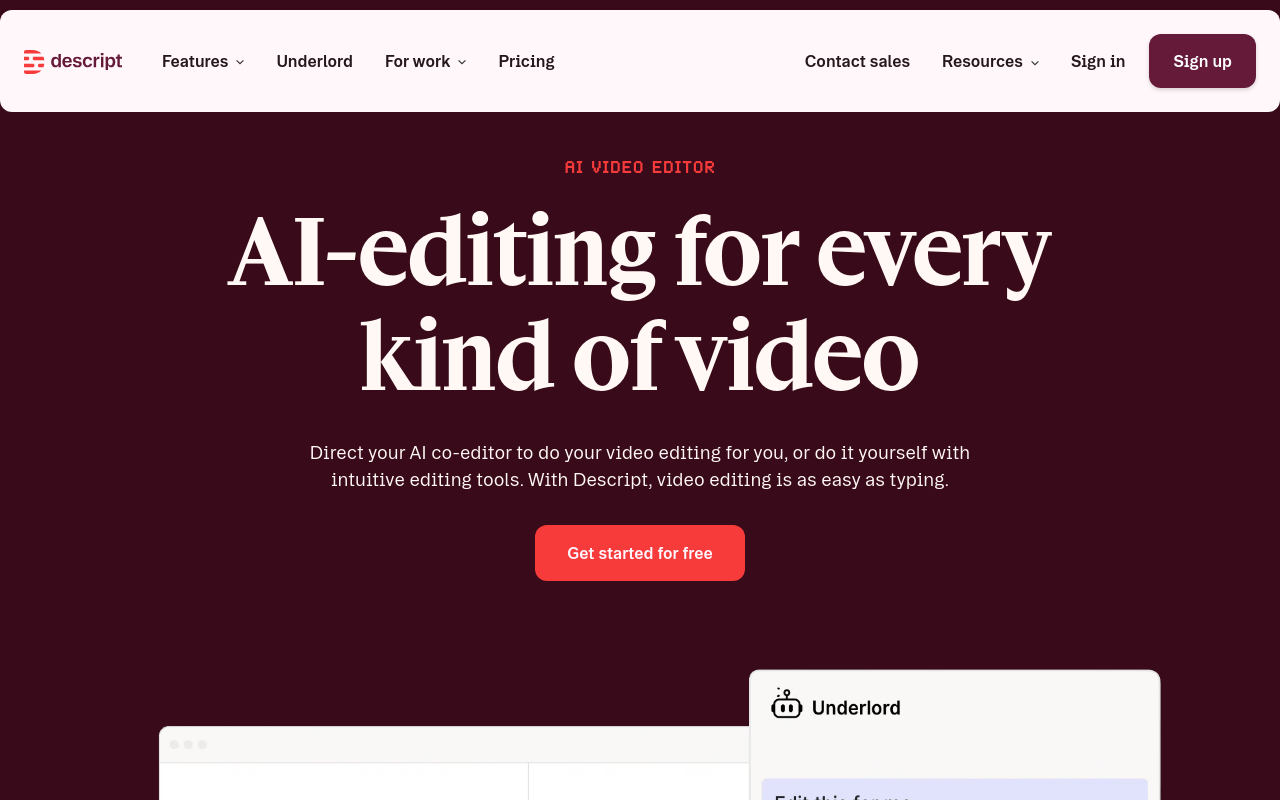
4. Descript – Best for Video Transcription
When it comes to video transcription, Descript stands out as a versatile tool that offers robust capabilities within its free tier. If you’re transcribing interviews, YouTube content, or podcasts, Descript provides a seamless experience.
Key Features in the Free Version
The free version of Descript includes essential features tailored for video creators. Users can export transcripts in multiple formats such as TXT and SRT, enabling you to create captions with ease. Its editing tools are intuitive; you can cut, copy, and paste text, which automatically edits the corresponding video. This saves creators significant time in post-production.
Video Transcription Capabilities and Constraints
Descript’s standout feature is its ability to transcribe video content accurately. However, the free tier does come with some constraints. The total transcription minutes are limited per month, so it’s crucial to plan your projects accordingly. Keep an eye on the file size limits as well; while the tool handles most common video formats, larger files might require compression or splitting to fit within free plan limits.
Ideal Use Cases
Descript is particularly ideal for YouTubers and content creators who regularly produce videos and need quick, accurate transcriptions. It’s also great for podcasters looking to repurpose content or add subtitles to their videos. If you’re dealing with interviews, the tool’s speaker labeling ensures each speaker is distinctly recognized.
When to Consider Upgrading
If you find yourself hitting the monthly limit frequently or need additional export formats such as DOCX or PDF, it might be worth considering an upgrade. Descript’s paid tiers offer more advanced features like automatic filler word removal and enhanced editing tools, providing a more comprehensive solution for frequent transcribers.
For video creators exploring options, Descript offers a no-hassle start with its user-friendly interface and efficient transcription capabilities.
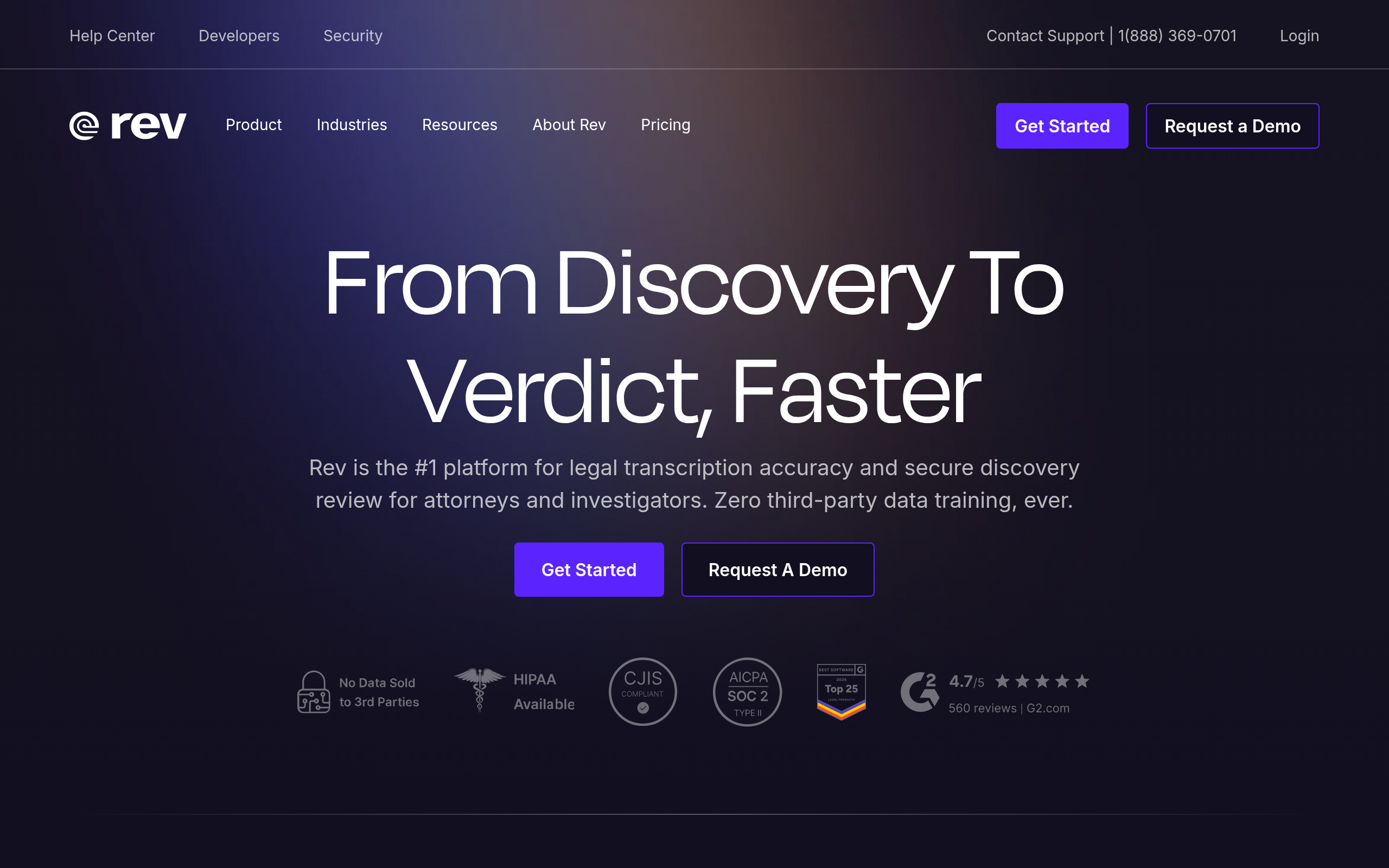
5. Rev – Best for Accuracy in Free Trial
When it comes to transcription tools, Rev stands out, particularly for those who prioritize accuracy and speaker identification during its free trial. While free offerings can vary, Rev is known for delivering reliable transcription accuracy, making it a solid choice for users seeking precise output.
One of the key benefits of Rev's free trial is its attention to detail in speaker labeling. This feature is crucial for journalists and podcasters who need to attribute quotes accurately in interviews and panels. Users often praise its ability to differentiate speakers, which helps in creating clean, organized transcripts. The precise speaker identification adds a level of professionalism to transcripts that many other free tools struggle to match.
Rev's interface is another highlight, with a user-friendly design that simplifies the transcription process. Even beginners can navigate the platform with ease, thanks to its intuitive layout. Users can upload files and access transcripts without getting bogged down by technical complexities—a true testament to Rev's commitment to a seamless user experience.
Upgrade Considerations
For those who find themselves running into the free plan's limitations, Rev offers a clear upgrade path. If you're frequently transcribing large files or need additional features like diverse export formats or faster turnaround times, moving to a paid plan might be beneficial. These offerings ensure users can continue their transcription projects without interruptions.
Key takeaway: If accuracy and robust speaker labels are your main concerns, Rev's free trial offers an excellent starting point. Keep in mind that you'll need to consider the free tier's limitations and decide if an upgrade aligns with your workflow needs.
Rev's commitment to precision makes it a popular choice, particularly for projects where details matter most. As always, be sure to check Rev’s website for the latest updates on their free trial's capabilities.
6. Speechmatics – Best for Multilingual Needs
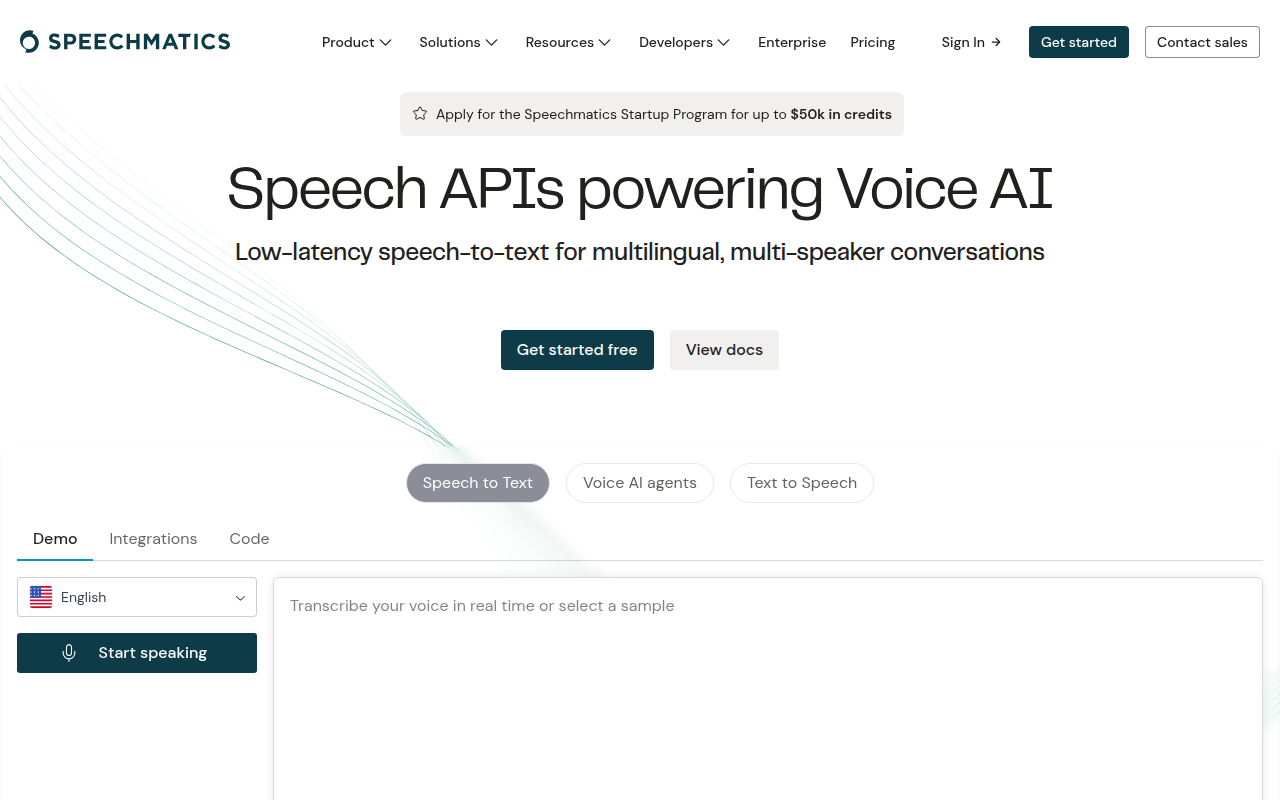
If you're juggling a multilingual workload, Speechmatics might just be the tool to simplify your process. With a standout capability in language support, Speechmatics offers transcription services in over 100 languages on its free tier. This expansive range makes it a prime choice for projects that need flexibility across languages, whether you're recording interviews in different dialects or broadcasting content to a global audience.
Free Tier Highlights
Choosing Speechmatics’s free tier gives you access to its robust automatic language detection feature, which can be a lifesaver in mixed-language settings. Though minute constraints might limit longer projects, this feature ensures seamless transcription without the hassle of switching settings manually for each language change. It's especially useful for dynamic, multilingual meetings or international podcast episodes.
Why Choose Speechmatics?
- 100+ languages transcription: Ideal for content creators and teams working across multiple linguistic contexts.
- Automatic language detection: Automatically switches and adapts to the language spoken, offering convenience and accuracy.
Despite its strengths, consider the limitations: the minute constraints on the free tier can be a bottleneck if you're dealing with substantial audio lengths.
When to Upgrade
If your workflow consistently demands transcription across various languages and longer audio durations, exploring the paid plans will be beneficial. Upgrading provides not only increased minutes but also more robust features tailored to multilingual workflows.
Curious about witnessing Speechmatics in action? While DeepScribe also offers competitive multilingual capabilities with 100+ languages on its Pro and Business tiers, and automatic language detection, Speechmatics is a notable contender worth exploring for its free multilingual transcription needs. For more insights on transcription options, check DeepScribe’s blog.
Key takeaway: When your transcription needs span across 100+ languages with constant switching, Speechmatics’s automatic detection ensures an uninterrupted, hassle-free experience.
7. Trint – Best for Collaborative Transcriptions
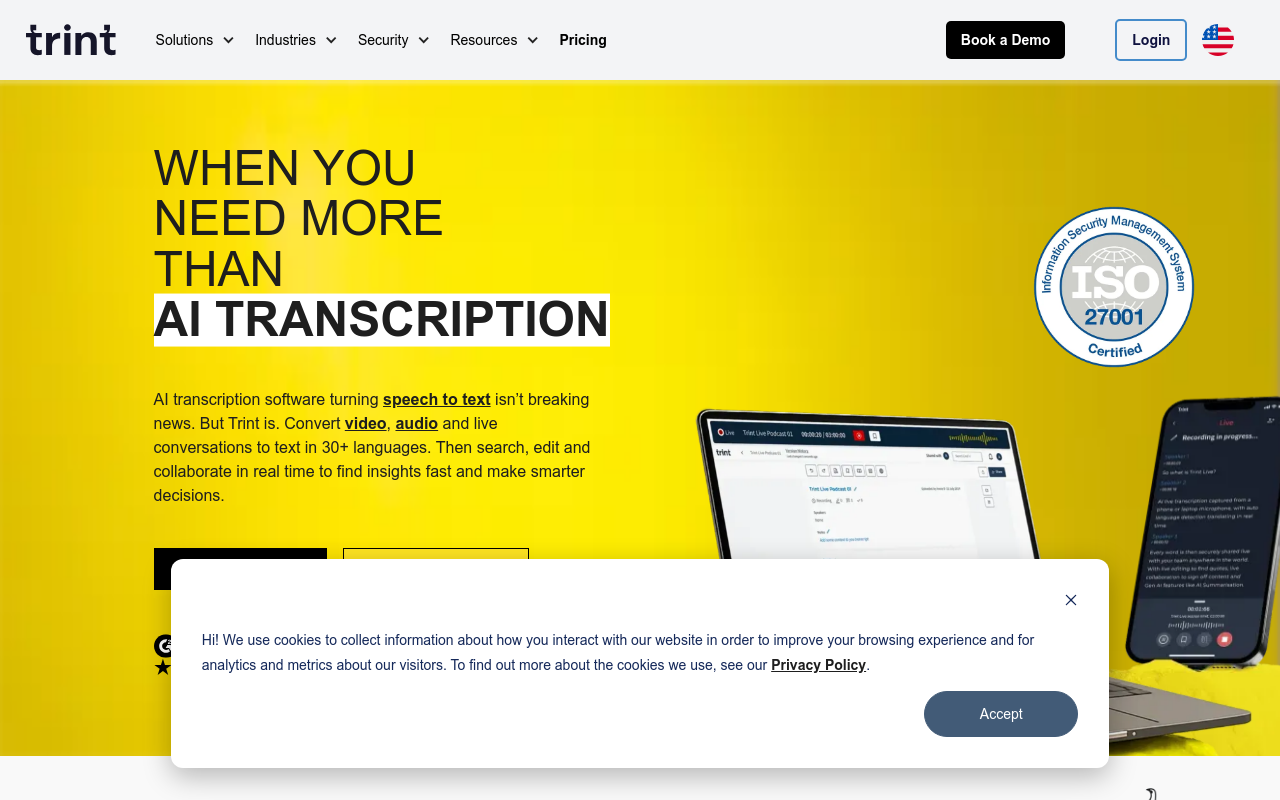
When it comes to transcription software that excels in collaborative environments, Trint is a standout option. Unlike many free AI transcription tools, Trint offers unique collaborative features that empower multiple users to work seamlessly on the same transcription project. This is especially beneficial for teams working across different departments or locations.
Trint’s free tier includes a suite of collaboration tools that allow team members to edit, highlight, and add comments directly within the transcript. This real-time editing capability significantly enhances the workflow, making it ideal for teams like journalists, documentarians, and researchers who need to refine transcripts collaboratively. Such features can be pivotal for maintaining clarity and ensuring that all team members are aligned on the document's final output.
Moreover, Trint supports a range of export formats even in its free tier, including SRT for subtitles and TXT for text documents. This flexibility in exporting helps users distribute their work efficiently, whether they are creating captions for videos or drafting comprehensive reports.
However, as you engage more deeply with Trint, there are certain limitations that might prompt an upgrade. For example, the free plan comes with restrictions on the number of transcription minutes and file sizes, which can be restrictive for more extensive projects. Moreover, advanced export options and enhanced AI functionalities are reserved for paid tiers.
For those who need a smooth collaboration experience without immediately hitting roadblocks, starting with Trint could be a great choice. As projects scale, consider whether upgrading to a more robust plan better suits your team's expanding needs.
Key takeaway: If teamwork and collaboration are at the heart of your transcription needs, Trint’s comprehensive suite of collaborative tools will serve you well, although keep an eye on how quickly you might need to transition beyond the free tier.
8. Sonix – Best for Fast Processing
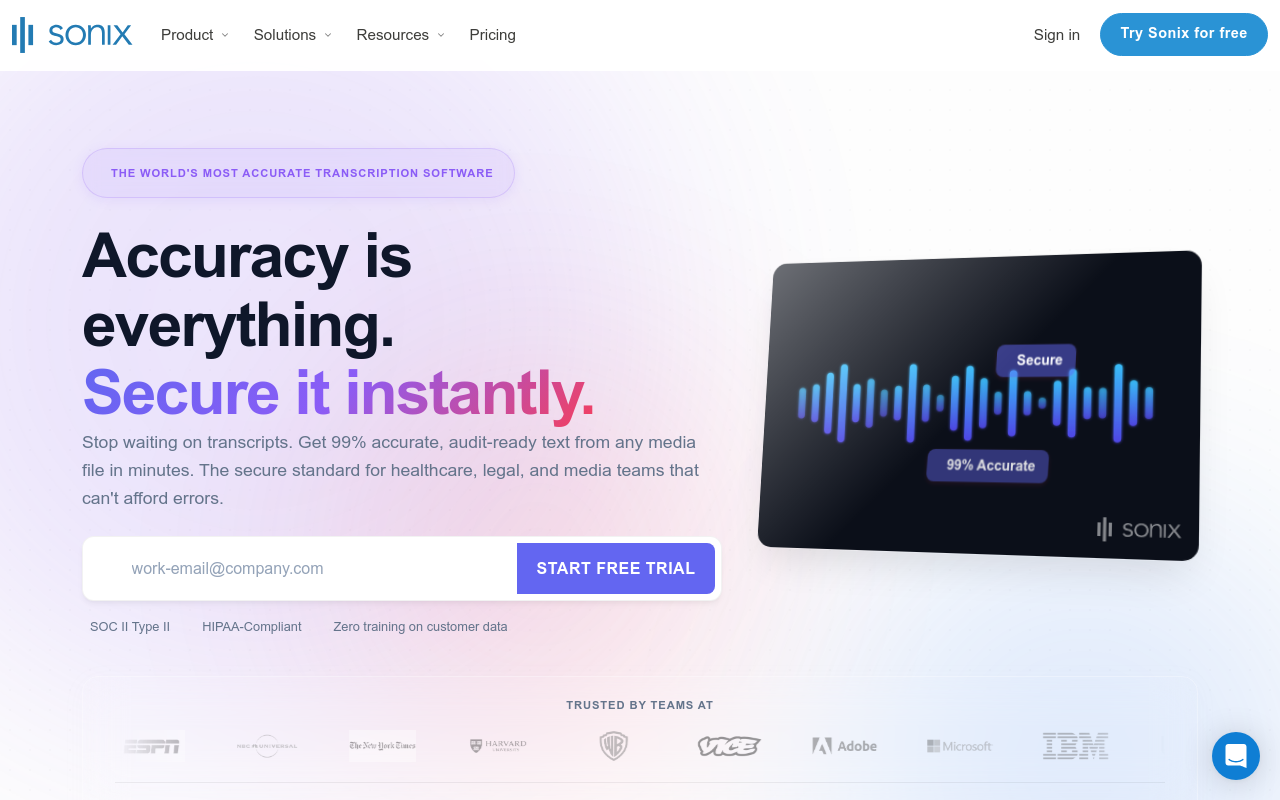
When it comes to speed, Sonix shines as a top-tier option in the world of free AI transcription tools. Known for its swift processing capabilities, Sonix can handle audio and video files with impressive efficiency. Even on its free plan, many users report remarkably fast turnaround times, making it an excellent choice for anyone with tight deadlines or large volumes of content to process.
Sonix supports various file formats and utilizes advanced machine learning algorithms to deliver a high level of accuracy. It’s particularly well-suited for transcribing meetings, interviews, and videos where capturing every detail quickly is essential. While other tools might falter with complex audio content, Sonix's commitment to robust performance ensures users get clear and concise transcripts in record time.
A major consideration, however, is the transcription minutes limit on Sonix’s free plan. Users are often constrained by the number of minutes available, which can be a bottleneck if you have extensive transcription needs. This limitation makes it crucial to plan your transcription schedule effectively, ensuring you make the most of the allocated minutes without running into mid-project interruptions.
In terms of upgrading, Sonix offers tiered plans that expand on minutes and add premium features. For larger projects or ongoing transcription needs, moving to a paid plan can unlock additional benefits like better accuracy control and more export options, ensuring scalability as your requirements grow.
Sonix is ideal for creators and professionals who prioritize speed and need reliable performance across various transcription tasks. If you find yourself hindered by the free plan limits, exploring an upgrade could be a worthy investment to maintain workflow continuity without disruptions.
For more insights on how to optimize transcription workflows and tools like Sonix, check out our detailed guides on the DeepScribe Blog.
9. Tactiq – Best for Meeting Summaries
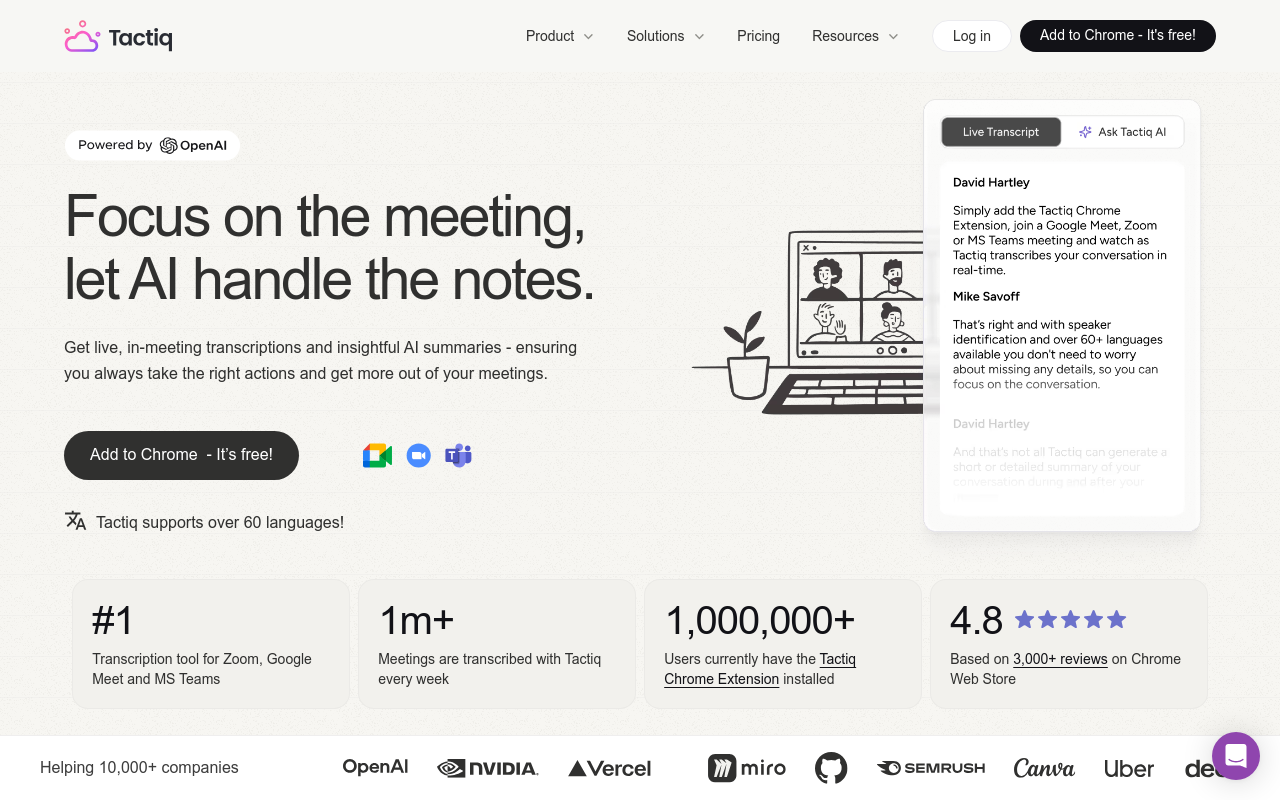
Tactiq shines when it comes to creating meeting summaries thanks to its intuitive features designed for seamless note-taking. Ideal for individuals juggling multiple meetings, Tactiq integrates effortlessly with platforms like Google Meet, capturing live transcription and enabling real-time note editing. It’s perfect for summarizing discussions, extracting key points, and identifying action items, all while simplifying the process of keeping meetings on record.
Features for Meeting Note-Taking
Tactiq is equipped with tools that make organizing your thoughts during meetings a breeze:
- Live Captioning: Captures spoken words in real-time, ensuring you don’t miss a word.
- Organized Note Segments: Allow easy breakdown of notes into actionable items, summaries, and insights.
- Integration with Calendar Tools: Automatically copies meeting notes into your calendar summaries, eliminating the hassle of manual entry.
Limitations in Free Tier and Workarounds
The free version of Tactiq offers a solid starting point but isn't without its constraints:
- Monthly Minute Caps: The free tier might limit transcription minutes available, making it less suitable for frequent, long-duration meetings.
- Export Options: Basic options like exporting to formats like SRT or VTT might not be supported without an upgrade.
To navigate these limitations, consider leveraging the snippets and key highlights features for quick reference during decision-making without needing full transcripts. For more intensive needs, exploring DeepScribe for its full suite of transcription and export formats could be a beneficial step forward, especially since it includes extensive functionality like AI-driven summaries and follow-ups. For more details, you can explore DeepScribe's transcription capabilities.
Scenarios Ideal for an Upgrade
If you find yourself queuing up for back-to-back meetings with a need to dissect and act on complex discussions, upgrading Tactiq makes sense. An upgrade will unlock:
- Advanced Export Formats: Export to DOCX, PDF, or other comprehensive formats, perfect for sharing and editing.
- Increased Minutes and Advanced Features: Ensures no cap interruptions, letting you cover all important meetings comprehensively.
For those needing flexibility beyond Tactiq, DeepScribe offers a structured upgrade path that scales with your transcription needs.
Key Takeaway: Tactiq is a powerful ally for meeting summaries, but evaluate your requirements carefully—considering tools like DeepScribe can help future-proof your workflow as your needs evolve.
For a detailed guide on how to leverage transcription tools for Zoom, check out our step-by-step guide on transcribing Zoom meetings.
10. AssemblyAI – Best for Developers
When it comes to transcription tools tailored for developers, AssemblyAI stands out with its robust API capabilities, even on its free tier. This makes it an ideal option for developers looking to integrate transcription into their applications or workflows. The AssemblyAI transcription API provides flexible endpoints that allow developers to easily submit audio files, and receive transcriptions in a developer-friendly format, facilitating seamless integration into various software ecosystems.
One of the most compelling aspects of AssemblyAI is its extensive language support and customization options. Developers can leverage its transcription capabilities to accommodate various languages, making it a great choice for projects with multilingual requirements. Furthermore, AssemblyAI's API allows developers to tweak parameters to suit specific needs—whether that’s enhancing speech clarity or customizing formats for transcription outputs.
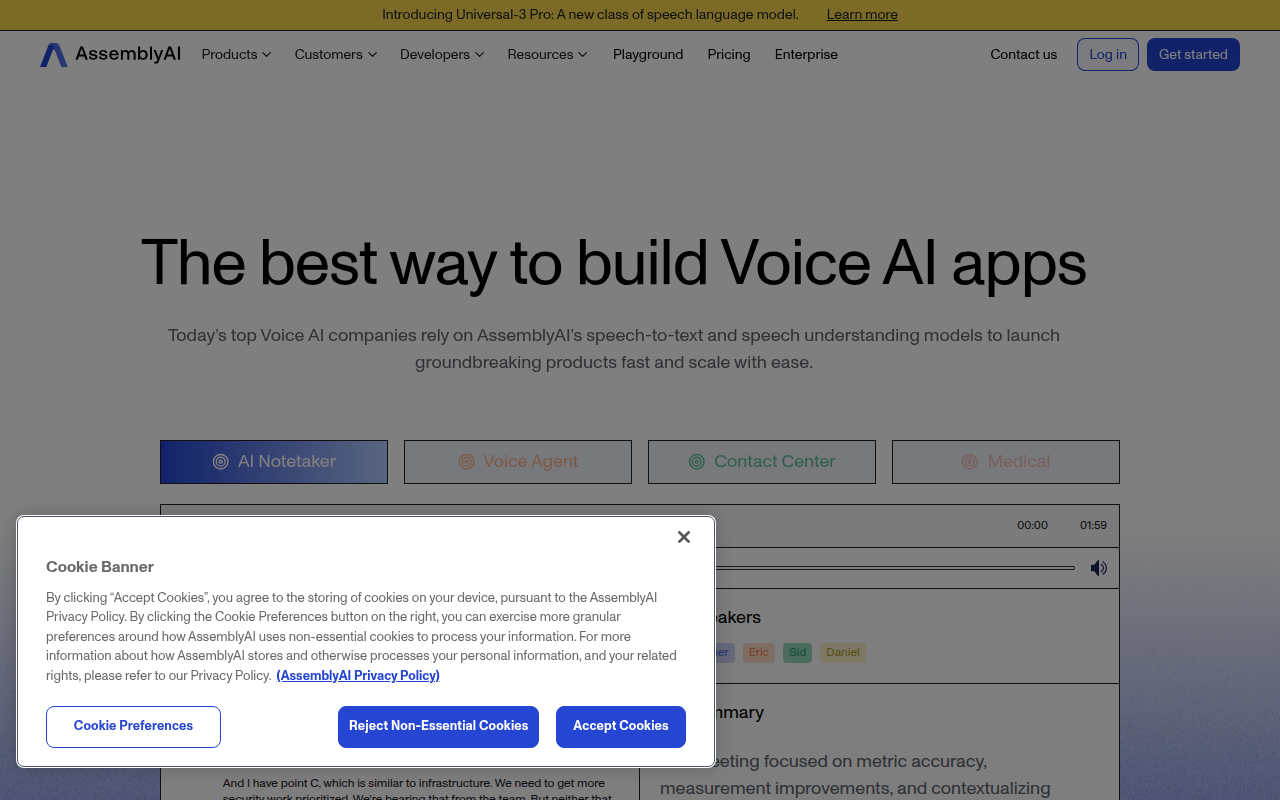
For developers, the flexibility offered by AssemblyAI is both practical and efficient. The ability to handle various file types and sizes without hassle ensures that developers can focus on building applications rather than worrying about compatibility issues. This focus on developer-first solutions, coupled with a transparent and easy-to-use API, makes AssemblyAI a go-to choice for those looking to embed transcription features into their software seamlessly.
When considering an upgrade, developers might opt for paid plans that offer faster processing times, more minutes, and additional features like enhanced support for more complex audio conditions. Evaluating these aspects ensures that as a project grows, the transcription capabilities scale to meet increasing demands without slowing down development processes.
For those curious about exploring similar developer-friendly transcription solutions, check DeepScribe's capabilities. DeepScribe offers custom integrations and API access, making it another viable option to consider for developers aiming to integrate transcription into broader applications.
Use-Case Map: Best Tool for Your Needs
Choosing the right transcription tool depends heavily on your specific needs and the task at hand. Whether you’re working with meetings, video content, interviews, or captions, understanding each tool’s strengths and constraints can save you from unexpected headaches.
Meetings
For anyone running meetings, capturing discussions and decision points accurately is crucial. DeepScribe emerges as a versatile choice, thanks to its AI-powered Meeting Notetaker. It not only transcribes conversations in real time but also generates summaries and action items, which are perfect for keeping track of any follow-ups. Its free tier offers a generous starting point, with the option to upgrade as your needs grow. For more on how to transcribe meetings, check out How to Transcribe Meetings: A Complete Guide for Managers.
Video Content
When it comes to video content, such as YouTube videos, you’ll want a tool that supports subtitle generation. DeepScribe lets you export transcripts into formats like SRT and VTT, making it easy to create captions and improve accessibility. For those creating regular video content, DeepScribe's speed and accuracy ensure your workflow remains uninterrupted. You can explore further in this How to Transcribe YouTube Videos With AI for Free (Guide).
Interviews
Transcribing interviews demands accurate speaker labeling to ensure that quotes and context remain intact. Again, DeepScribe shines with its speaker detection capabilities, ensuring every voice is accurately tagged, and maintaining the integrity of the dialogue — a feature crucial for journalists and researchers. With the ability to export into multiple text formats, organizing your interview notes becomes a breeze.
Captions
For captioning, especially when detail and timing are critical, DeepScribe’s subtitle export options provide a seamless solution for integrating accurate captions into your video projects. If you work extensively with subtitles, the Basic and Pro plans offer expanded file size support, which is ideal for handling larger video projects.
Key Takeaway: Your choice should align with what you're transcribing and the constraints of the free tier you're working with. For most cases, DeepScribe serves as a flexible starting point, adapting to various needs with its robust feature set. For fast transcription that scales with your needs, beginning with DeepScribe ensures you won't outgrow your workflow.
If you're eager to explore tools for specific tasks more deeply, take a look at some detailed comparisons and guides available on the DeepScribe blog. Whether you’re focused on meetings, media content, or multilingual transcription, having a tailored tool can make all the difference.
FAQ: Common Constraints and Benefits
Understanding the constraints and benefits of free AI transcription tools is crucial to making an informed choice. Here's a rundown of the most common limitations and key considerations.
Limits on Free Plans
One primary constraint of free AI transcription tools is their usage limits. Many tools restrict the number of transcription minutes you can use each month. For instance, DeepScribe offers 30 minutes of transcription per month in its free tier. Other tools may impose limits on file size, such as a 25MB cap for uploads. It's essential to anticipate what you'll transcribe and match that with these constraints to avoid interruptions mid-project.
Limitations aren't just about numbers; they also concern export options. Some tools only allow basic text exports on free plans, while formats like SRT or VTT for subtitles might require an upgrade. Always check each tool's export capabilities, especially if you need your transcripts in specific formats for video projects or meetings.
Accuracy Considerations
Not all AI transcription tools are created equal when it comes to accuracy. DeepScribe, powered by Whisper, claims high accuracy, even with accents and background noise. Yet, accuracy can vary between products and contexts. It's beneficial to run a quick 5-minute test with the same audio file across different tools to gauge performance. Consider features like speaker labeling and punctuation accuracy, which are crucial for interviews or meetings with multiple participants.
Privacy and Security Concerns
Privacy is a significant concern, especially if you're transcribing sensitive audio. Ensure the tool you choose provides robust security measures. DeepScribe, for example, offers end-to-end encryption, automatic file deletion after processing, and SOC 2 Type II compliance. Verify how each service handles your data and if they retain or delete files after transcription.
Key Insight: Choose a tool that aligns not only with your transcription needs but also with your security requirements. Accurate, secure transcription is as important as not exceeding usage limits.
By weighing these factors, you can choose a transcription tool that best fits your workflow without unexpected roadblocks.
Conclusion: Making the Right Choice
Selecting the ideal free AI transcription tool hinges on understanding your specific needs and the potential constraints of each tool’s free tier. You’ve navigated through options based on what you’re transcribing—whether it's videos, meetings, interviews, or captions—and considered essential features like export formats, speaker labeling, and multilingual transcription.
When faced with a myriad of choices, DeepScribe stands out as a recommended starting tool. With its clearly defined free tier, DeepScribe offers 30 minutes of free transcription per month and a maximum file size of 25MB, with basic TXT export capabilities. Its functionality is particularly suited for both static file transcriptions and dynamic meeting note workflows, making it versatile for creators, students, and professionals alike.
Key Insight: DeepScribe’s Whisper-powered accuracy and ability to handle diverse audio inputs make it a reliable choice for most transcription needs.
For those just starting, DeepScribe offers a well-mapped upgrade path, eliminating the hassle of migrating data or changing workflows as your needs grow. With pricing tiers like Basic ($15/month) and Pro ($29/month), you gain access to extended minutes, higher file size limits, and additional export options such as SRT and VTT for subtitles, catering to evolving requirements.
To confidently choose and test the right tool, consider running a quick accuracy test. Use the same audio file across different tools to assess transcription precision, paying special attention to speaker labeling and the inclusion of timestamps. This ensures you’re not mid-project when hitting the "what breaks first" constraints, whether it’s minute limits or file size caps.
For further exploration on optimizing transcription workflows, check out guides on transcribing audio for free and AI-powered Zoom meeting transcription. Starting with DeepScribe ensures a hassle-free initiation into AI transcription, with a robust framework to handle future scaling needs.
Frequently Asked Questions
What are the typical limits of free transcription tools?
Limits often include monthly minutes, maximum file size, export formats, and lack of speaker labeling.
How accurate are free AI transcription services?
Accuracy varies; many use basic models with common errors in accents and complex vocabulary.
Can I transcribe in multiple languages with free tools?
Some tools offer multilingual support, but capabilities might be limited without upgrades.
Are my transcripts secure with free AI tools?
Security varies; check if the service provides encryption and data handling policies.
Why should I start with DeepScribe for free transcriptions?
DeepScribe offers a well-defined free tier perfect for beginners and clear upgrade paths.
Final Thoughts
Choosing the right free AI transcription tool involves considering your specific use cases and recognizing constraints that might arise as your needs grow. Here's a quick recap of our top picks:
- Prioritize ease of use and reliability with tools like DeepScribe, which seamlessly scales for more demanding tasks.
- Balance features and performance against your immediate needs to avoid overcomplicating simple tasks.
- Consider future growth by selecting tools that offer seamless upgrades to paid services when necessary.
For most readers, DeepScribe stands out as an ideal starting point. Its intuitive design and robust capabilities cater well to diverse transcription needs, with exceptional support for speaker-labeled transcripts, action items, and summaries. To deepen your understanding, check out our guides on transcribing audio for free and a detailed Zoom meetings transcription guide.
Ready to see how it works for you? Take the next step: run a quick 5-minute test on a real file and experience the ease of transcription firsthand.
Written by

DeepScribe Team
Content Team
The DeepScribe content team shares insights on audio transcription and AI technology.
Related Articles
Continue reading about this topic

How to Transcribe Audio to Text for Free: A Step-by-Step Guide
Learn how to transcribe audio to text without spending a dime. This guide offers practical steps, tool recommendations, and editing tips for accuracy and privacy.

DeepScribe Team
February 26, 2026 · 17 min read · 3,308 words