
11 Free AI Transcription Tools for Videos (2026)
Dive into the best free AI transcription tools of 2026, tailored for creators and small teams. Learn when upgrading to DeepScribe becomes essential.

DeepScribe Team
Content Team
11 Free AI Transcription Tools for Videos (2026)
Navigating the world of free AI transcription tools can feel like a never-ending quest to sidestep constraints that disrupt your workflow. Imagine this: you're racing to transcribe an essential video when suddenly you're capped at 30 minutes per session with Otter.ai, despite a generous 600-minute monthly allowance. It's a common hurdle creators and small teams face, especially as demands evolve with multilingual content and strict privacy needs.
In 2026, the landscape is changing dramatically. Language support is booming past 100 languages, while privacy-first, Whisper-based offline apps gain traction. This post guides you expertly through these trends and the real limits that make or break tools—like session caps and export formats. Plus, discover when the leap to DeepScribe becomes the obvious choice, especially if accurate video transcription and efficient workflows are your endgame. Dive in to find which tools are the best fit for your needs and when "free" stops being enough.
Introduction to Free AI Transcription Tools
In today's fast-paced digital landscape, AI transcription tools have become essential for content creators, video editors, and marketers alike, streamlining workflows by converting video to text with remarkable efficiency. While free options are attractive, understanding their limitations is crucial, as these constraints often reveal when you'll need to transition to a more robust solution like DeepScribe.
Key Limits of Free Tools
Free AI transcription tools usually come with constraints such as time caps and session limits. For instance, Otter.ai allows up to 600 minutes per month, but restricts each session to just 30 minutes. This can be a deal-breaker if you're working with longer videos or multiple projects. Additionally, many free tools sacrifice privacy and accuracy for accessibility, leaving sensitive content vulnerable and demanding higher error correction efforts.
2026 Trends in AI Transcription
Looking ahead to 2026, two major trends are transforming the landscape of AI transcription. Firstly, the expansion of language support is a game-changer, with tools like Riverside offering transcription in 100+ languages. This broadens your audience reach and facilitates multilingual content creation. Secondly, there’s a growing emphasis on offline transcription tools—powered by platforms like Whisper—that prioritize privacy without compromising on accuracy, ensuring your data remains secure and within your control.
Yet, as these tools evolve, the complexity of video transcription workflows demands reliable solutions. This is where DeepScribe shines, ideally positioned to grow with you. Whether you're just starting or need advanced features like speaker labeling, AI-driven summaries, and diverse export formats, DeepScribe offers a seamless upgrade path designed to meet rising demands efficiently.
Quick Comparison of Top Tools
Navigating the world of free AI transcription tools can feel like a minefield, especially when you need reliable transcription without hitting those common free-plan walls. Here’s a quick glance at how the best tools stack up in 2026, covering everything from unlimited usage to privacy features. This comparison will help you pinpoint the perfect fit for your specific needs, whether you’re managing multilingual content or seeking offline privacy.
Tool Name | Best For | Language Support | Privacy/Offline | Export Formats | Free Plan Limits |
|---|---|---|---|---|---|
Riverside | Unlimited Free Transcription | 100+ languages | Online only | TXT | Unlimited usage, 99% accuracy |
Whisper | Offline Privacy | 99 languages | Offline | TXT | N/A |
Otter.ai | Speaker Labels | Varied in reports | Online only | SRT, TXT | 600 mins/month, 30-min/session |
Vizard.ai | Accuracy | N/A | Online only | SRT | 98.5% claimed accuracy |
DeepScribe | Comprehensive Upgrade Path | 100+ languages | Encrypted, Online only | TXT, DOCX, PDF, SRT, VTT | 30 mins/month, max 25MB |
Key Insights and Takeaways:
Unlimited Usage: If you need volume without limits, Riverside leads with its unlimited transcription offer. It's perfect for high-output creators needing constant transcription flow without restraint.
Privacy and Offline Needs: Here, Whisper-based tools like Vibe and Buzz shine. They operate offline, supporting 99 languages while ensuring your sensitive data stays private—a critical consideration for handling proprietary or confidential content.
Speaker Labeling: When distinguishing between multiple speakers is essential, Otter.ai emerges as a top pick, thanks to its speaker identification features. However, do watch for its session cap of 30 minutes despite the 600-minute monthly limit, which could stall longer sessions.
Accuracy and Niche Needs: Vizard.ai claims a strong 98.5% accuracy, ideal for those prioritizing transcription precision. This makes it suitable for high-stakes environments requiring minimal error margins.
Upgrade Path with DeepScribe: When free tools aren't cutting it anymore, particularly if you're scaling up your operations or require more nuanced outputs, DeepScribe provides a compelling next step. It not only offers extensive export format options (TXT, DOCX, PDF, SRT, VTT) but also boasts robust language support for over 100 languages and enhanced security features like end-to-end encryption.
Expert Insight: "The real test of a transcription tool is not just in how well it transcribes, but how seamlessly it integrates into your workflow. Consider where you might hit snags—privacy requirements, file sizes, or language support—and choose accordingly."
Choosing the right tool hinges on understanding these nuances. Whether you're an individual creator or part of a team, knowing the constraints and capabilities is key to optimizing your content workflow.
Selection Criteria for Transcription Tools
Choosing the right transcription tool involves understanding the constraints and capabilities that align with your workflow. Here’s what to consider:
1. Pricing Tiers and the Reality of 'Free' Use
While many tools offer a free tier, it's crucial to scrutinize the actual limitations. For instance, tools like Otter.ai provide 600 minutes per month but limit sessions to 30 minutes each. Notta gives you 120 minutes monthly, and Transkribieren offers just an hour. These caps can quickly become bottlenecks for teams handling long video content or frequent transcription needs. DeepScribe's Free Plan allows 30 minutes per month, ideal for occasional users, while its paid tiers offer more generous minutes and features.
2. Minute/Session Limits and Language Coverage
Minute and session restrictions are critical for creators who need to transcribe lengthy recordings. Riverside offers unlimited transcription and excels with 100+ language support, perfect for multilingual content. In contrast, DeepScribe's paid plans support up to 100+ languages with robust transcription capabilities that adapt to diverse linguistic needs through automatic language detection, making it an ideal choice for international teams.
3. Offline Mode and Privacy
As privacy concerns grow, tools like Buzz and Vibe, powered by Whisper, provide offline transcription, ensuring data never leaves your device—a must for sensitive content like client footage. DeepScribe offers end-to-end encryption and automatic deletion post-processing to secure your data, along with SOC 2 Type II compliance for added reassurance.
4. Collaboration Features and Accuracy Claims
Look for features like speaker labeling, crucial for team reviews and accuracy in identifying speakers. Maestra AI and DeepScribe offer speaker identification tools, but DeepScribe enhances collaboration with options for speaker-labeled exports, ensuring clarity and easy tracking of dialogue across transcripts.
5. Export Formats
The ability to export in various formats is vital for editing and distribution. Tools that allow SRT and VTT exports, like DeepScribe, enable seamless subtitle integration, while DOCX and PDF formats cater to document sharing needs. DeepScribe offers these capabilities across its plans, ensuring your workflow remains efficient and versatile.
1. Otter.ai — Trusted for Clarity
When it comes to video transcription, Otter.ai stands out for its clarity and precision. Offering a generous 600 minutes per month on its free plan, it’s a popular choice among creators and professionals looking for reliable transcription. However, a key limitation is its 30-minute session cap, which can be restrictive for longer recordings. This makes Otter.ai best suited for short clips or meetings.
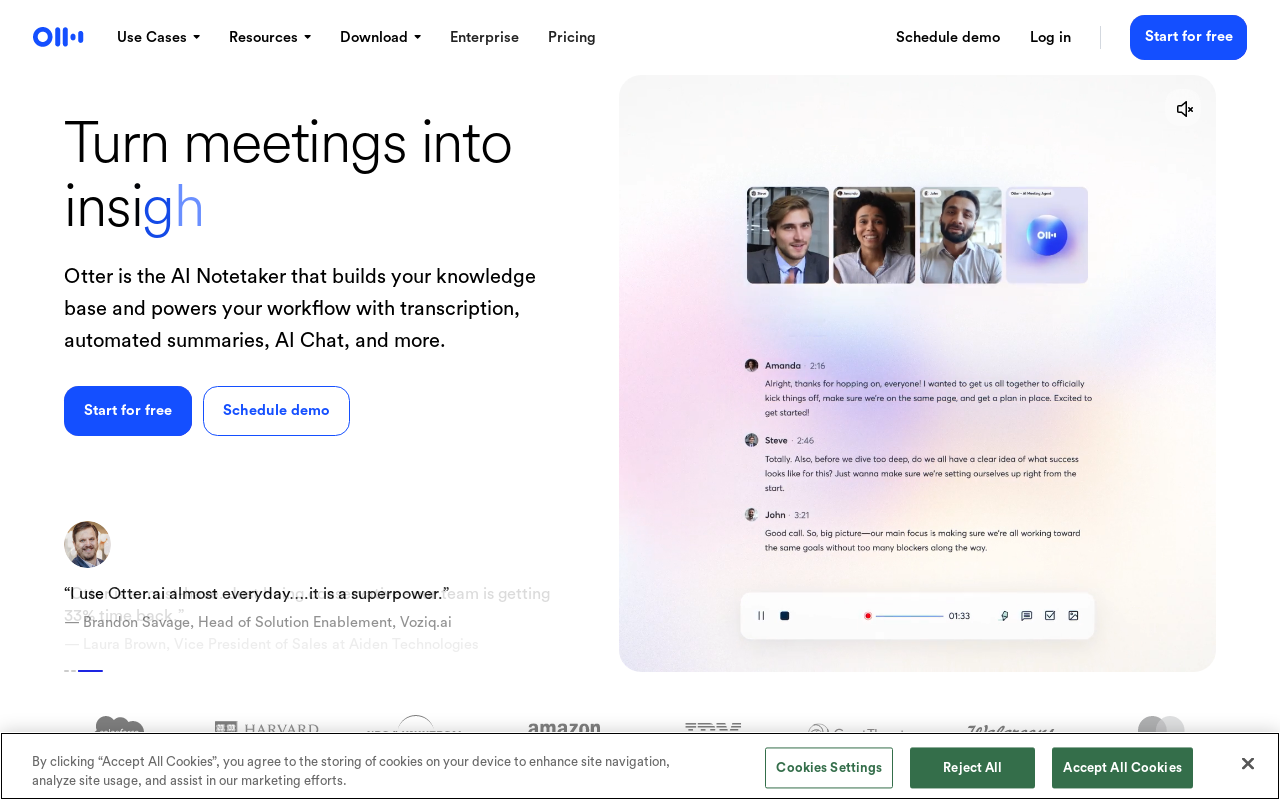
Otter.ai is lauded for its accuracy and robust speaker identification features. These capabilities are essential for users who need clear attribution in multi-speaker settings like discussions or interviews. This precision is one of the reasons it's often recommended for those who require meticulous detail without the hassle of manual corrections.
"Otter.ai's speaker identification capabilities ensure that every participant’s contributions are accurately documented, making it an invaluable tool for meetings and interviews."
Despite its strengths, you might hit a wall if your projects regularly exceed the 30-minute session length. This is where alternatives with fewer constraints might be beneficial, particularly for extensive video content.
Choose Otter.ai if:
You need accurate transcription for short video clips or meetings.
Speaker labeling is crucial for your workflow.
You require a free tool with a substantial monthly limit.
Watch out:
For projects longer than 30 minutes per session, you may need to consider splitting the content or exploring other solutions.
Be mindful of the limitations if your video transcription needs go beyond its defined caps.
For those needing a scalable solution, considering when to transition to a more robust tool like DeepScribe helps avoid workflow disruptions.
2. Riverside — Best for Unlimited Free Use
Let's dive into why Riverside stands out, particularly for those seeking unlimited free transcription. In 2026, Riverside has emerged as a top choice thanks to its support for over 100 languages and a remarkable claim of 99% accuracy. For creators and teams working with diverse languages, Riverside’s capability to handle multilingual transcription without the worry of upload limits is a real game-changer.
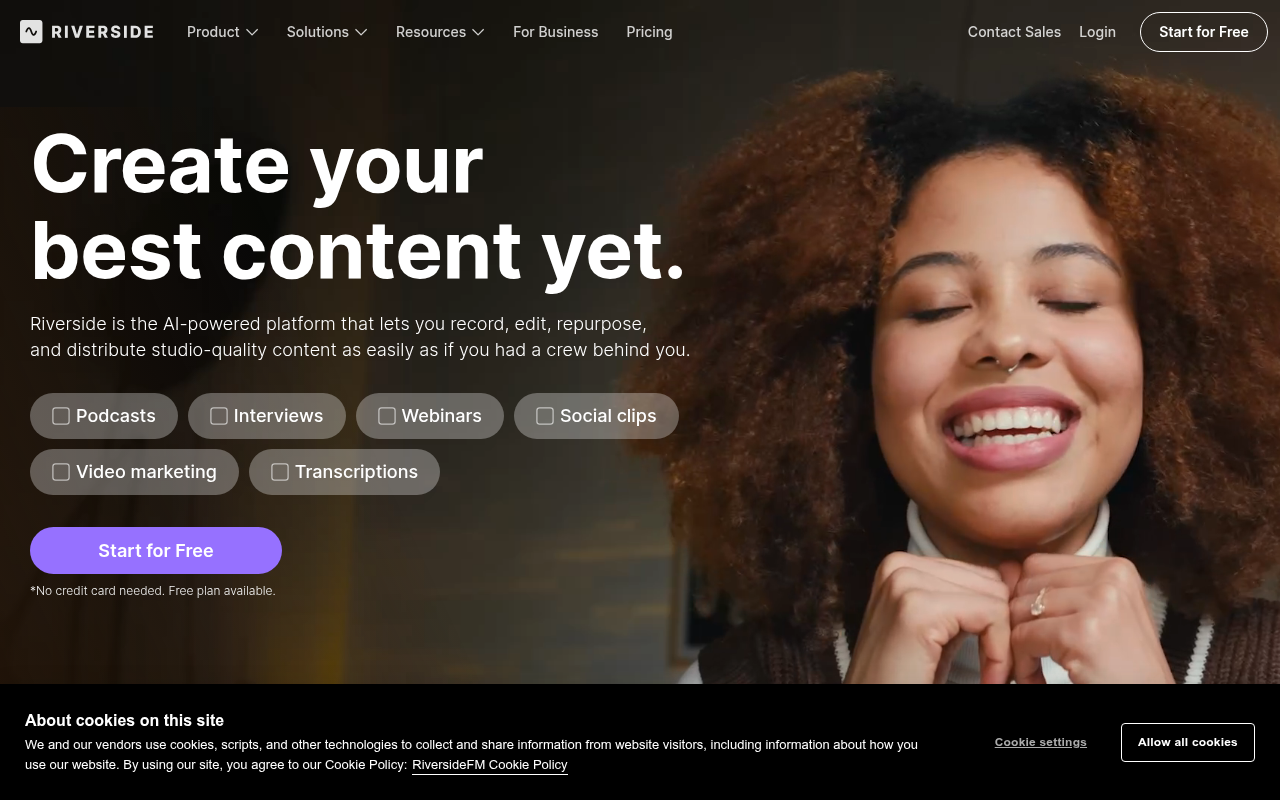
Why Choose Riverside?
Unlimited Transcriptions: You can transcribe as many video files as you need, making it perfect for projects that require heavy transcription work without the hassle of minutes capping out. This frees you to focus on content creation rather than constantly monitoring usage limits.
Multilingual Mastery: Supporting transcription across 100+ languages, Riverside is ideal for multinational content teams aiming to reach a global audience. With the increasing market demand for such capabilities, having a tool that seamlessly covers a vast array of languages is invaluable.
High Accuracy Claims: With a boastful 99% claimed accuracy, Riverside provides reassurance when it comes to capturing content precisely—a must for professional-grade work that may involve technical jargon or accented speech across different languages.
To see this tool in action, imagine seamlessly converting your video content into text across any language needed without the constraints of session caps or upload limits. Riverside’s offering enables workflows that require consistent, reliable transcription over a large volume of content, which is a huge boon for teams looking to scale content production effortlessly.
For workflows emphasizing privacy or offline capabilities, you might want to explore tools like Whisper-based applications, but for everything else, Riverside stands out as a strong, versatile option that's hard to beat.
“Riverside's unlimited transcription capability makes it a no-brainer for content creators managing extensive video libraries,” notes a media consultant in a recent review of AI transcription tools, highlighting its pivotal role in the creator community.
This flexibility is especially useful for multilingual captions and subtitles—a necessity in today’s globalized content landscape. For more on transcription tools and how to choose the right one for your needs, check out our DeepScribe blog for insights and comparisons.
3. Vibe — Leading Offline Privacy Champion
In a world where privacy is a top concern, Vibe emerges as a leading solution for those handling sensitive and secure content. Built on the robust foundations of Whisper, Vibe supports an impressive array of 99 languages, making it versatile for global users seeking an offline transcription experience. This feature is particularly beneficial for creators, journalists, and businesses who value or require a high level of confidentiality for their audio and video transcriptions.
The offline functionality of Vibe is what sets it apart. By operating without an internet connection, Vibe ensures that your files remain secure, never leaving the confines of your local device. This approach is perfect for handling client footage, internal webinars, or sensitive interviews where data privacy cannot be compromised. Many users find this level of control essential, especially in sectors like legal, healthcare, and corporate environments where privacy is non-negotiable.
Compared to online tools, Vibe offers a seamless workflow for professionals concerned about privacy. Start by loading your files into the Vibe platform, where the Whisper algorithm accurately transcribes them, capturing everything from simple conversations to complex discussions. Users report notable accuracy even in challenging audio scenarios, benefiting from Whisper's robust design.
For sensitive material, using offline transcription tools like Vibe can enhance privacy while maintaining high accuracy.
Choosing Vibe means committing to a privacy-first transcription strategy without sacrificing the need for a reliable and multilingual tool. While it's ideal for security-conscious users, it's not alone in offering such privacy features. For more advanced transcription needs with similar features, consider exploring DeepScribe, which also supports AI-driven transcription with a high degree of accuracy and multilingual support—right up there with Vibe's offerings.
4. Buzz — Top Privacy and Offline Support
When it comes to transcription with a focus on privacy, Buzz stands out by offering robust offline capabilities. This ensures that your sensitive videos and meetings stay secure, without the need for constant internet connectivity. In a world where data breaches are a significant concern, Buzz provides a peace of mind that’s invaluable for teams handling confidential information.
One of Buzz's key strengths is its support for 99 languages, making it a versatile tool for global teams. Whether you're dealing with multilingual interviews or international webinars, Buzz has the linguistic capability to keep up. This broad language support is part of a growing trend, as tools race to exceed 100+ languages to cater to diverse user needs.
Buzz doesn't stop at just offering offline transcription. It’s particularly appealing for teams that value security, meaning your data isn’t whisked away to the cloud. This feature is powered by Whisper-based technology, providing the high accuracy you’d expect without compromising on privacy. As more organizations focus on protecting client confidentiality, tools like Buzz that promise high privacy offline transcription are becoming increasingly vital.
For content creators who work with various formats, Buzz also supports transcribing MP4 files. This feature is perfect for video editors and podcasters who need seamless integration into their existing workflows. Imagine taking your recorded video, running it through Buzz, and emerging with a clean, accurate transcript, all while your data remains securely in your hands.
In an era where privacy and language inclusivity are non-negotiable, Buzz offers a compelling option that meets these needs effectively.
5. Notta — Best for Multi-Language Editing
When it comes to transcribing video content across multiple languages, Notta AI shines as a top choice. Offering 120 minutes/month for free, it provides a viable solution for projects where multilingual editing is essential. This is especially crucial for creators and teams dealing with diverse audiences or conducting international interviews.
One of Notta's standout features is its effective handling of multilingual transcription. With support for numerous languages, it enables you to transcribe interview videos seamlessly regardless of the language spoken. Imagine conducting an interview with speakers from different linguistic backgrounds; Notta makes it easy to convert this complex audio into manageable text. This feature dramatically alleviates the manual labor involved in translating and editing, allowing creators to focus more on repurposing content and engaging with their audience.
Beyond transcription, Notta supports real-time translation, making communication across language barriers more fluid and efficient. Whether you're transcribing a webinar or creating multilingual subtitles, Notta helps streamline the process with ease.
However, it's worth noting that while Notta excels in language variety, the 120-minute/month cap might be limiting for larger projects or frequent users. For those who quickly outgrow this constraint, exploring options like DeepScribe could be beneficial. With support for over 100 languages and a flexible tier system, DeepScribe offers advanced features like speaker labeling and multi-format exports that are ideal for scaling up.
For creators prioritizing multilingual transcription within modest usage limits, Notta remains a robust tool. But for those ready to transcend these free-tier boundaries, tools like DeepScribe provide a compelling upgrade path.
6. Vizard.ai — Precision in Action
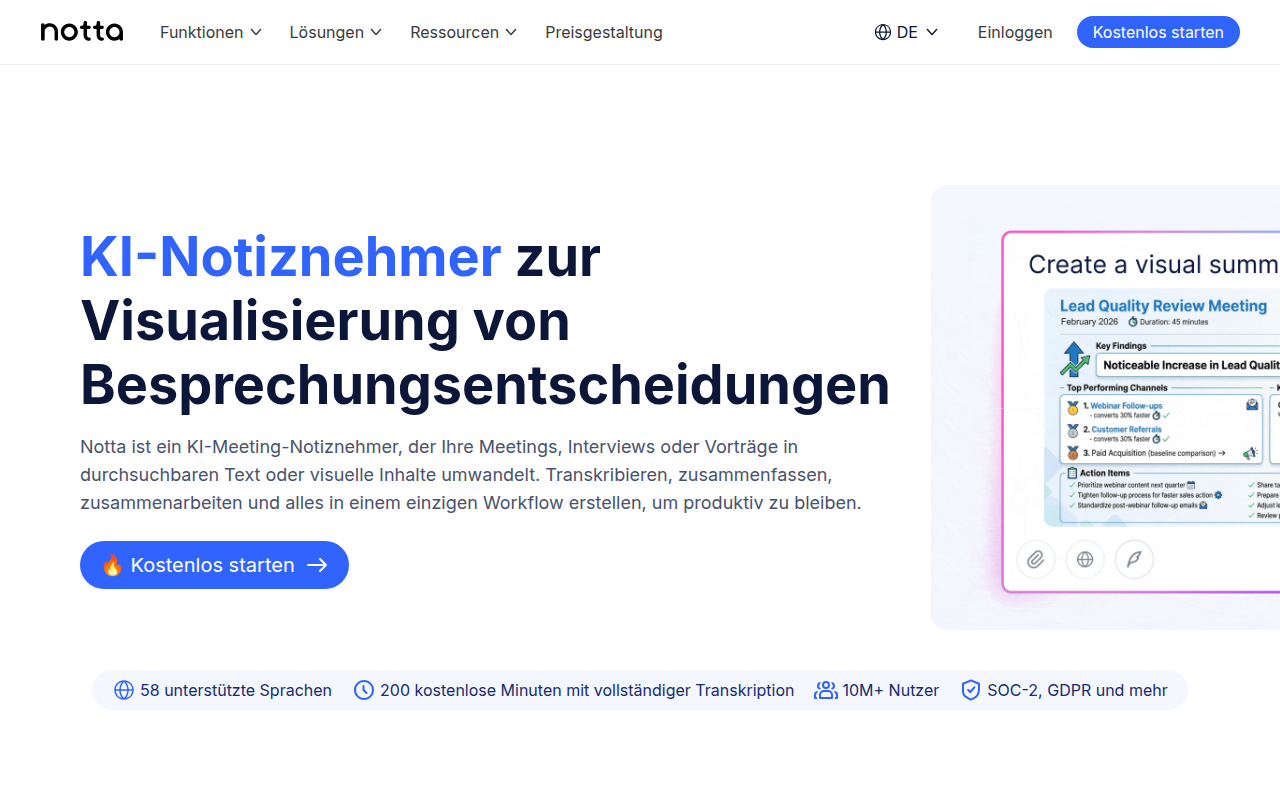
When it comes to transcription precision, Vizard.ai sets a high standard with its impressive 98.5% claimed accuracy. This tool is a go-to option for creators who need reliable transcription for captions and precise text production. Whether you're repurposing content across platforms or generating subtitles, Vizard.ai delivers the quality needed to maintain the integrity of your original material.
Vizard.ai's transcription capabilities are particularly useful for those working with video content, where the generation of accurate subtitles in formats like SRT is essential. This ensures your videos are accessible to a wider audience, and compliance with accessibility standards becomes a seamless part of your workflow. The ability to create precise captions not only enhances viewer engagement but also provides critical SEO advantages by enabling search engines to better index your video content.
Moreover, Vizard.ai is designed to accommodate the busy schedules of content creators by streamlining the transcription process. Its intuitive interface allows users to quickly upload video files and receive high-quality text outputs, which can be edited and exported in several formats for different uses. This ease of use makes it an ideal tool for content repurposing, where you can turn a single piece of content into multiple forms, whether it's blog posts, social media updates, or video teasers.
"Vizard.ai's accuracy is a game-changer for creators looking to maintain high standards without the hassle," says many content professionals who rely on its services.
For those focused on precise text outputs, Vizard.ai positions itself as an essential tool in the modern creator's toolkit, ensuring that no word is lost in translation from video to text.
7. Maestra AI — Language Support Leader
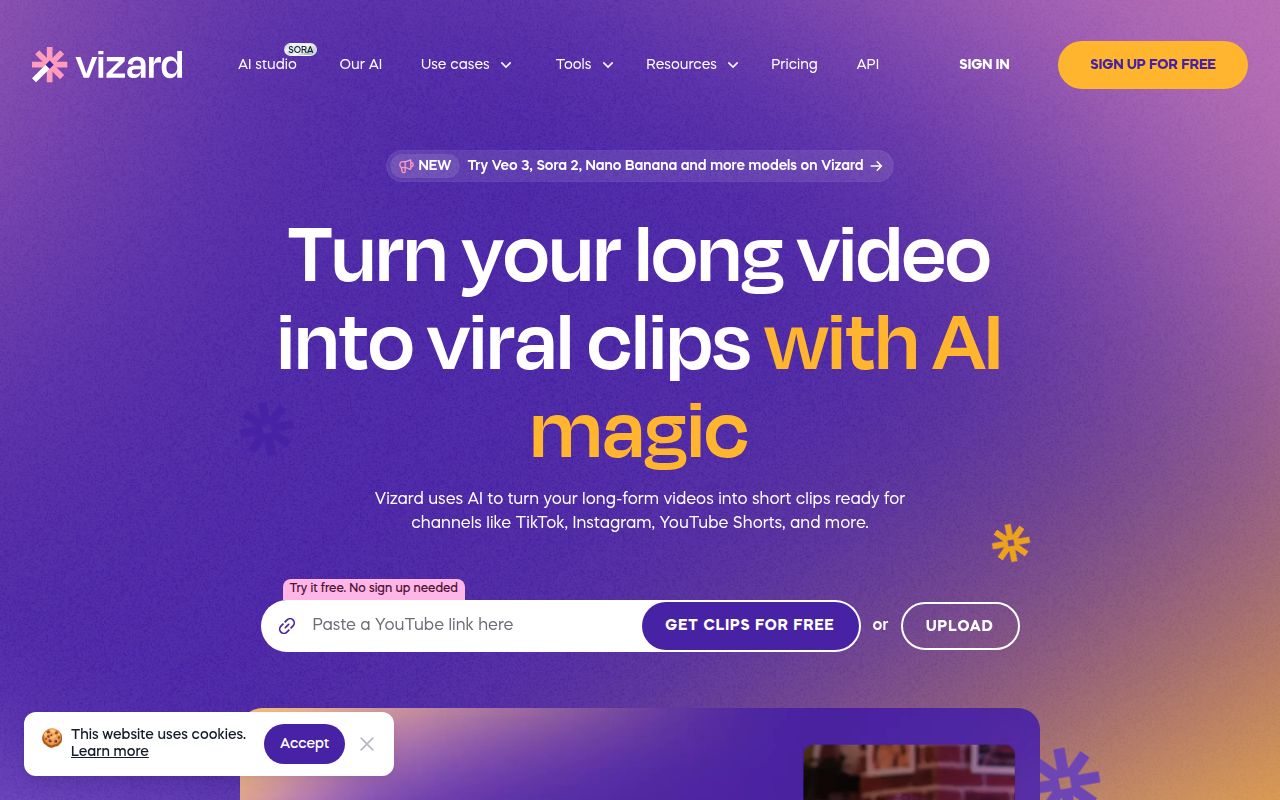
Navigating the landscape of free AI transcription tools, Maestra AI emerges as a standout, particularly for those focused on global content strategies. With support for an impressive 125+ languages, even on a free trial, Maestra AI addresses the growing demand for multilingual transcription, a crucial factor in reaching diverse audiences worldwide.
Pro Tip: If your project involves switching between multiple languages or handling content from various regions, Maestra AI's extensive language support makes it an apt choice.
Multilingual Capabilities
Maestra AI shines with its robust multilingual editing features. This capability is a game-changer for creators and teams working with international content. Whether you're transcribing interview clips, YouTube videos, or webinars in different languages, the tool seamlessly handles the linguistic diversity. Such flexibility is indispensable for creators targeting a global audience, enabling them to maintain content consistency across various languages.
Optimal for Global Strategies
The expansive language support positions Maestra AI as an essential tool for those crafting global content strategies. By accurately transcribing and editing content in multiple languages, users can ensure that they resonate with audiences across different cultural contexts. This advantage is critical for marketers, educators, and content producers who wish to broaden their reach without being limited by language barriers.
Emphasis on Editing
Maestra AI's editing capabilities are tailored for multilingual needs, allowing users to refine transcriptions for clarity and accuracy. This feature is crucial for ensuring that the final output is polished and ready for distribution, helping teams save time on post-processing.
Considerations
While Maestra AI offers strong multilingual features, it's important to note that the free trial imposes certain time limitations. For those with extended transcription needs, considering a dedicated tool like DeepScribe, with its broad language support and advanced workflow integrations, might be worthwhile.
Maestra AI's commitment to supporting over 125 languages marks it as a frontrunner in multilingual transcription, making it a go-to for professionals aiming to penetrate international markets effectively.
8. Transkribieren — Budget-Friendly Starter
If you're dipping your toes into the world of video transcription, Transkribieren is a fantastic budget-friendly option. Designed specifically for small-scale needs, it allows you to transcribe up to 1 hour per month in 57 languages—ideal for creators or teams handling minimal transcription tasks.
Transkribieren’s strength lies in its straightforwardness, making it perfect for basic transcription requirements, such as converting short webinars or interview clips into text. Its offering of 57 languages opens up possibilities for multilingual transcription, capturing a wide range of content across different linguistic contexts.
For those dealing with webinar recordings or needing concise transcription without the need for extensive features, Transkribieren provides a simple, no-frills solution. Imagine transcribing a brief project update or key parts of a team meeting: Transkribieren delivers the essentials without overwhelming you with options.
However, it’s crucial to understand its limitations in the context of when “free” options might reach their breaking point. If your demands grow into the realm of larger volumes, speaker identification, or advanced exports, this tool might show its limits. Given its capacity constraints, users often find themselves ready for an upgrade once their transcription needs expand beyond the basics.
For those moments, transitioning to tools like DeepScribe can be a seamless choice. DeepScribe not only covers a broad spectrum of transcription and export options—like TXT, SRT, and more—but also excels in multilingual support and privacy controls, making it a robust choice when you’re ready to scale up from basic transcription tasks.
9. DeepScribe — When to Upgrade
If you're consistently hitting the limits with free transcription tools, it might be time to consider an upgrade to DeepScribe. Designed for creators and teams, DeepScribe offers a robust set of features that become essential as your transcription needs grow.
Understanding Free Plan Limitations
For those using free tools, you're likely aware of constraints like minute caps and limited export formats. Otter.ai, for example, allows 600 minutes per month but cuts off sessions after 30 minutes. This can hinder productivity, especially when dealing with long-form content or bulk processing.
Free Plan Limits:
30 minutes/month on DeepScribe's Free plan
Limited to TXT exports
Max file size of 25MB
Indicators to Upgrade
As your volume or collaboration needs grow, transitioning to DeepScribe’s premium tiers unlocks several benefits.
Volume: If you’re constantly reaching the minute cap, consider moving to the Basic plan, offering 300 minutes/month, or Pro for 900 minutes/month.
Collaboration: Complex workflows demand more than just transcripts. DeepScribe's Pro plan includes AI-generated summaries and action items, crucial for efficient team collaboration.
Valuable Features as You Scale
DeepScribe provides features that stand out against free offerings:
Speaker Detection & Labeling: Automatically label speakers in interviews or meetings, an essential feature for clear attribution.
Comprehensive Exports: Unlock more export formats such as DOCX, PDF, and VTT, vital for professional publishing and sharing.
Privacy and Security: Assured by encryption and SOC 2 Type II compliance, making it a reliable choice for privacy-sensitive projects.
"As your transcription volume increases, DeepScribe’s comprehensive suite transforms how you manage your video-to-text workflows."
Plan Comparison
To visualize your upgrade path, here's a snapshot of DeepScribe's tiered plans:
Feature | Free | Basic | Pro | Business |
|---|---|---|---|---|
Minutes/Month | 30 | 300 | 900 | Unlimited |
File Size Limit | 25MB | 500MB | 2GB | 10GB |
Export Formats | TXT | TXT, SRT | DOCX, PDF, SRT, VTT | All Formats |
Meeting Bots/Month | N/A | 5 | Unlimited | Unlimited |
Support | Community | Priority | Dedicated Manager |
As you evaluate your transcription needs, consider a trial upgrade to experience how DeepScribe can enhance your productivity and collaboration through its reliable and flexible service offerings.
10. Whisper — Offline Transcription King
Whisper stands out as a top-notch choice for those seeking reliable offline transcription. One of its key strengths is supporting 99 languages, ensuring comprehensive language coverage for global creators and teams. With Whisper, you can easily handle multilingual projects without worrying about compatibility or accuracy hiccups.
What truly sets Whisper apart is its offline capability, providing a layer of privacy and security that online tools often can't match. For creators dealing with sensitive content or confidential client material, this means your data stays local, reducing the risk of exposure. Imagine working on a high-stakes interview or a confidential company webinar—you can now transcribe these with peace of mind.
Autonomous editing becomes a reality with Whisper, as it processes files independently, without the need for constant internet connectivity. This makes it ideal for journalists on the move or editors working on location. Need to transcribe an MP4 file for subtitle creation? Whisper lets you get the job done efficiently, even in the most remote locations.
Key Insight: Whisper’s offline transcription ensures high privacy for sensitive projects, and its multilingual capabilities cater to global needs.
In the growing trend of privacy-first tools, Whisper, along with similar apps like Vibe and Buzz, leads the way by offering robust offline solutions without compromising on language support. As the demand for secure, reliable transcription increases, Whisper remains a steadfast option for those unwilling to trade security for convenience.
For anyone serious about transcription where privacy is non-negotiable, Whisper's model should be at the top of your shortlist.
11. Nearity — Reliable Offline Option
Navigating the world of transcription tools in 2026 can be challenging, especially when privacy is a top concern. Nearity stands out as a reliable offline option, offering a solid choice for those who prioritize data privacy without compromising on functionality.
Private Language Management
At its core, Nearity is designed to manage language diversity discreetly. With support for over 50 languages, it meets the needs of global teams while keeping sensitive information safe. Unlike many tools that require internet connectivity to function, Nearity’s offline capabilities ensure that your data remains on your device, providing peace of mind for privacy-sensitive projects.
Structured Editing Workflows
For video editors and content creators, structured editing workflows are crucial. Nearity excels in this area by offering robust tools that enhance editing efficiency. Its user-friendly interface allows you to transcribe MP4 and other video files seamlessly, making it an asset for generating subtitles or creating accessible content. This capability is particularly beneficial for creators repurposing content across platforms.
“In a market that's increasingly moving towards online solutions, Nearity’s offline capabilities are a breath of fresh air,” notes industry expert Jonathan Choi.
Reliable Offline Transcription
What truly sets Nearity apart is its reliable offline transcription. Powered by cutting-edge ASR technology, it delivers high accuracy without needing an internet connection. This makes it ideal for environments with restricted network access or for projects containing confidential information.
When considering the needs of multilingual teams or privacy-centric workflows, Nearity's offline capabilities shine. However, for those who require additional features like speaker labeling or exports in multiple formats, exploring options like DeepScribe can offer a comprehensive upgrade without losing the ease and privacy assurance that Nearity provides.
Overall, Nearity serves as a dependable option for users who value privacy and require a tool that integrates seamlessly into structured video editing workflows.
When to Upgrade from Free Plans
Navigating the constraints of free transcription tools can be a challenge, especially when your projects demand more robust capabilities. Knowing when to upgrade is crucial for maintaining efficiency and accuracy in your transcription workflows. Here’s a deep dive into the key triggers for an upgrade.
Volume Requirements and Session Length
Free plans often come with strict volume caps. For instance, platforms like Otter.ai grant 600 minutes per month but are restricted by a 30-minute session limit. This could be a deal-breaker if you frequently handle longer recordings. When running podcasts or extensive interviews, these time constraints might force you to stitch multiple recordings together, disrupting your workflow efficiency.
Example: Imagine you're producing a weekly podcast episode running around an hour long. With a 30-minute session limit, you need to split the episode into two separate uploads and manually merge transcripts, increasing the risk of transcription errors.
Upgrading to a plan that accommodates longer sessions, such as DeepScribe’s Pro plan with 900 minutes per month and larger file support, can streamline this process significantly.
Need for Exports and Language Demands
As content becomes more global, so does the need for transcription tools that support 100+ languages and export capabilities. Free versions like those of Notta AI offer 120 minutes monthly, but you might hit a wall if you're working with multilingual content or require advanced export formats like DOCX or VTT.
Case in Point: If you’re repurposing video content for a global audience, you’ll need seamless export options for captions (SRT/VTT), which are typically limited in free plans. Utilizing DeepScribe’s Pro plan allows exporting in a variety of formats (TXT, DOCX, PDF, SRT, VTT), supporting a wide range of post-production activities.
Increased Team Collaboration and Privacy Needs
For teams collaborating on content, speaker identification and searchable transcripts are often essential requirements. Lower-end tools may not support these, hindering your ability to efficiently tag speakers or conduct quick text searches across various sessions — particularly frustrating in dynamic environments like business meetings or group interviews.
Moreover, if you handle sensitive information, privacy-focused, offline solutions like Whisper-based tools (Vibe, Buzz) become appealing, ensuring data isn't compromised. This is where DeepScribe steps in with advanced speaker labeling and enhanced privacy controls, including encryption and automatic deletion.
Recognizing Your Upgrade Moment
Here are the tell-tale signs it's time to consider a premium solution:
High Volume, Long Recordings: Regular sessions exceeding free plan minutes or session limitations.
Export Format Flexibility: Needing seamless document and subtitle exports.
Multilingual Content: Requiring extensive language support.
Privacy Assurance: Handling recordings that must remain secure and offline.
Collaborative Workflows: Needing robust features for speaker labeling and shared access.
DeepScribe offers an upgrade path with exacting plan tier differences that fit growing needs without unnecessary bloat or confusing extras. This simplicity helps you focus solely on delivering quality content without technical hurdles.
As you explore moving beyond free options, consider these constraints carefully. The decision to upgrade ensures your transcription process remains smooth and scalable. When free plans no longer serve, a thoughtful transition to a comprehensive solution like DeepScribe will enhance efficiency and protect content integrity.
DeepScribe as the Simplest Upgrade Path
When you're ready to move beyond the limitations of free transcription tools, DeepScribe offers a compelling upgrade path that balances features, security, and seamless integration into your workflow. Let's delve into why it's the ideal choice for those seeking reliability and professional-grade outputs.
Tiered Exports for Every Need
DeepScribe provides meticulously structured export options tailored to your needs. With the Free plan, you can create TXT files for quick and easy transcript usage. As your requirements grow, the Basic plan adds SRT exports, perfect for generating subtitles and captions. Moving to the Pro and Business tiers unlocks comprehensive formats like DOCX, PDF, SRT, and VTT, ensuring you can seamlessly integrate transcripts into reports and media content.
Security at Its Core
DeepScribe prioritizes security, implementing end-to-end encryption and SOC 2 Type II compliance as standard features.
This means your data is protected from capture to export, with the added assurance of automatic deletion after processing. Such security measures are vital for handling sensitive client information or confidential internal meetings, making DeepScribe a trusted transcription partner.
Integration Capabilities
The platform is built for flexibility and scalability, supporting API integrations to customize and embed transcription workflows within your existing ecosystems. Whether you're using DeepScribe for integrating with video platforms or enhancing automated meeting note processes, its robust API supports tailored solutions, particularly at the Business tier.
Plan Comparison at a Glance
Plan | Exports Available | Security Features | Integration Level |
|---|---|---|---|
Free | TXT | Encryption, Deletion | Limited |
Basic | TXT, SRT | Encryption, Deletion | Standard APIs |
Pro | DOCX, PDF, SRT, VTT | Enhanced Security | Advanced APIs |
Business | All Formats + Custom | SOC 2, Advanced Security | Custom Integrations |
DeepScribe stands out not only as a tool that grows with you, but as a comprehensive solution addressing the specific needs of creators, marketers, and teams alike. Whether you're overcoming export limits or enhancing collaboration efficiency, DeepScribe provides a pathway to greater productivity and peace of mind.
Frequently Asked Questions
How to transcribe video for free?
Use tools like Otter.ai and Riverside, which offer free transcription options with specific limits.
What’s the best free tool for SRT?
Vizard.ai is notable for precise transcription and SRT exports.
Is offline transcription safer?
Yes, tools like Vibe and Whisper offer offline transcription for enhanced privacy.
How many languages do tools support now?
Many tools support 100+ languages, with Maestra AI offering 125+.
Final Thoughts
Navigating the world of free AI transcription tools can be complex, but focusing on your primary need—be it unlimited use, offline accessibility, or advanced editing—will simplify the decision-making process. Here's a simple three-step action plan to get started:
Pick a Tool: Choose based on your main constraint, whether it’s unlimited usage, offline capabilities, or editing features.
Run a Test: Try a 10-minute test file to evaluate the tool’s performance and fit for your needs.
Consider Upgrading: When you're ready for more advanced features like SRT/VTT/DOCX/PDF exports, speaker labels, and higher accuracy, DeepScribe offers a comprehensive solution with ease of use and robust capabilities.
For a deeper understanding, check out our guides on integrating with platforms like YouTube and Zoom to streamline your transcription workflow even further. Remember, as your transcription needs evolve, ensuring you have a tool that can grow with you will make all the difference.
Written by

DeepScribe Team
Content Team
The DeepScribe content team shares insights on audio transcription and AI technology.
Related Articles
Continue reading about this topic

9 Best Free Transcription Software Picks (Accuracy + Speed)
Discover the top free transcription tools tailored for meetings, podcasts, and captions. This guide ranks options based on real-world use cases.

DeepScribe Team
March 5, 2026 · 26 min read · 5,033 words