
7 Best Free AI Meeting Notes Generators (2026)
Explore top AI meeting notes tools for structured outputs and learn when upgrading to DeepScribe makes sense.

DeepScribe Team
Content Team
7 Best Free AI Meeting Notes Generators (2026)
Imagine wrapping up a 45-minute remote meeting and feeling the palpable relief in the virtual room—everyone agreed on the way forward, yet as soon as the call ends, the details of who agreed to what begin to blur. Sound familiar? For many teams, this is a routine problem that AI meeting notes generators aim to solve. From Google Meet to Zoom and Teams, these tools now promise to deliver everything from transcriptions to action items effortlessly. However, not all free tiers are created equal. This guide breaks down the best free AI meeting notes tools, highlighting exactly what you get for free—like tl;dv’s 10x AI notes or Notta’s 120 minutes a month—and when you might outgrow these offerings. Dive in to discover a toolkit tailored for capturing decisions, assigning owners, and sharing clean, structured outputs, with DeepScribe emerging as the comprehensive solution for teams ready to move beyond free.
Introduction: The Challenge of Meeting Productivity
Picture this: you wrap up a 45-minute virtual meeting, feeling accomplished with all the decisions made. But as everyone logs off, a realization hits—who is responsible for what? This scenario is all too common, especially as remote work becomes the norm. Effective note-taking has never been more crucial, yet it often falls by the wayside in the fast-paced digital age.
Enter AI meeting notes, a game-changer for productivity. These tools automate the grunt work of transcription, summarization, and action item extraction, transforming scattered discussions into structured outputs. By doing so, they not only save time but also ensure that no action point gets lost in the virtual void. When used effectively, AI tools can act as digital assistants, leaving teams free to focus on what truly matters—executing plans and driving results.
However, the challenge lies in understanding what's truly free. Many tools lure you in with appealing "free" labels, only to impose limitations—restricted minutes, capped AI summary quotas, or limited language support. For instance, some tools offer a mere 120 minutes of transcription monthly on their free tier, which might not suffice for busy teams. Real clarity on these caps can prevent the frustration of hitting a wall right when productivity peaks.
"Effective team adoption hinges on understanding the real limits of free-tier AI tools," notes industry experts.
In the end, finding a reliable AI meeting assistant means knowing your team's specific needs and aligning them with the right tool. Whether it's multilingual support, automatic action items, or seamless integration with platforms like Zoom or Teams, choosing wisely can transform meeting productivity from chaos into clarity.
What to Look for in a Free AI Meeting Notes Generator
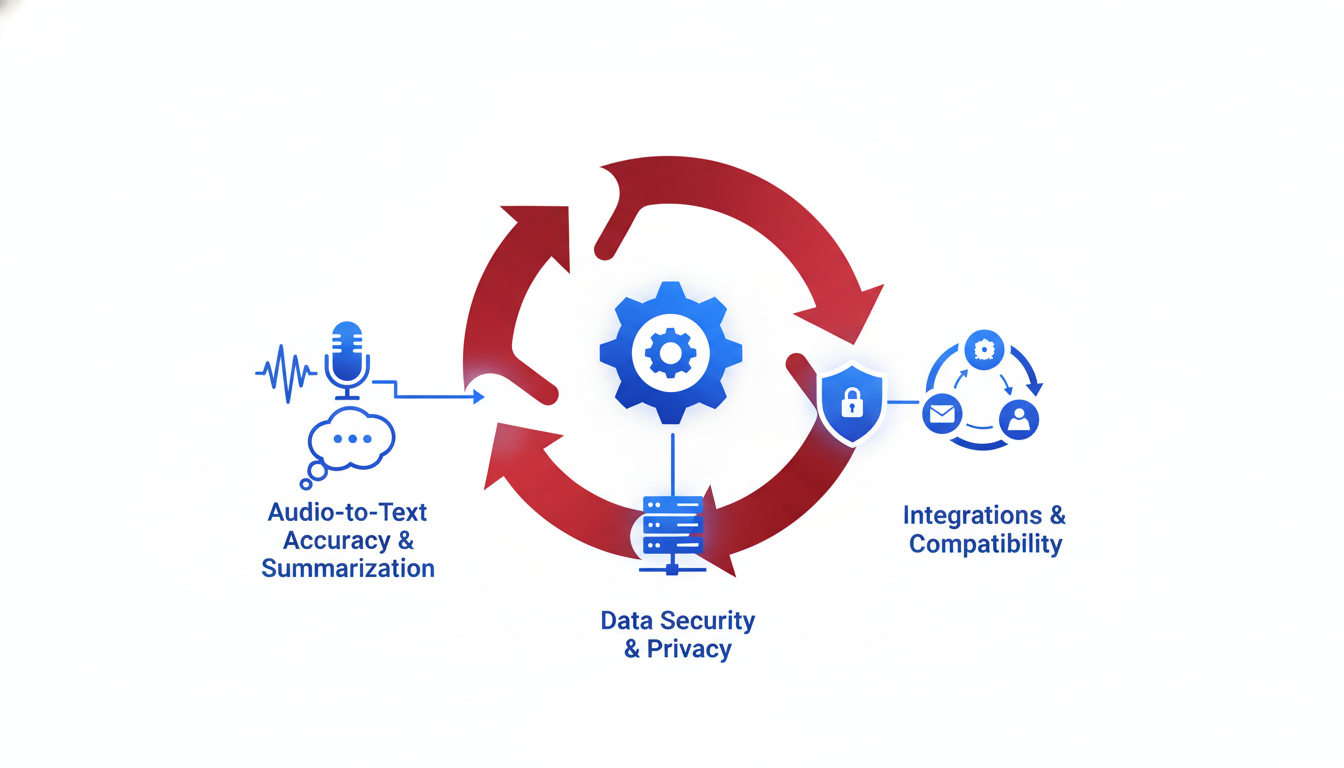
When diving into the world of free AI meeting notes generators, knowing what to look for can make all the difference. The key is to focus on what truly benefits your team after a call—structured notes, clear action items, and easy export options.
Bot Note Takers vs. Post-Meeting Summarizers
The first thing to differentiate is whether you need a bot note taker or a post-meeting summarizer. Bot note takers join your meetings on platforms like Zoom or Teams and capture everything in real time. For instance, DeepScribe excels in this area, with the ability to auto-join and provide speaker-labeled transcripts—a game-changer for live engagement.
On the other hand, post-meeting summarizers require you to upload or copy-paste your recordings for analysis. While both have their merits, bots offer immediacy, allowing for less manual work and faster follow-ups. Consider your team's workflow and trust dynamics when choosing.
Understanding Free-Tier Caps
Many tools advertise themselves as "free," but it's essential to understand what that entails. Free tiers often come with caps—limiting minutes, AI summaries, or available languages. Tools like tl;dv offer 10x free AI notes, while Notta caps usage at 120 minutes/month. DeepScribe, meanwhile, provides 30 minutes of free transcription monthly, which is ideal for small teams testing the waters.
It's crucial to weigh these limitations against your meeting frequency and expected output to choose a tool that aligns with your needs without constant upgrade prompts.
Importance of Structured Outputs
A vital criterion for any free AI meeting notes generator is its capacity to produce structured outputs. Look for tools that go beyond mere transcription. You want features that can identify decisions, action items, and owners to relieve the load of post-meeting organization. DeepScribe stands out with its ability to extract actionable tasks and provide follow-up emails, making it an efficient choice when clarity and accountability are priorities.
Here’s a comparison table to quickly assess your options:
| Tool | Real-Time Bot | Free Minutes/Month | AI Summaries | Languages Supported |
|---|---|---|---|---|
| DeepScribe | Yes | 30 | Yes | 50+ |
| tl;dv | Yes | Varies (report dependent) | Yes | 40+ |
| Notta | No | 120 | No | Limited |
Evaluate these factors carefully. Choosing the right tool means less manual work post-meeting and more effective team collaboration. For those considering an upgrade, integrating a solution like DeepScribe into your workflow ensures a streamlined transition as your needs grow.
Evaluation Criteria: Choosing the Right Tool for Your Team
Selecting the ideal free AI meeting notes generator can feel overwhelming, especially when trying to balance your team's specific needs with the tool's capabilities. Here's a detailed look at the critical criteria you need to evaluate:
1. Compatibility with Meeting Platforms
It's essential that the tool integrates seamlessly with the video conferencing platforms your team uses, such as Google Meet, Zoom, and Microsoft Teams. Tools like DeepScribe shine here, offering a Meeting Notetaker that works across these platforms. This integration ensures your team can focus on the meeting without worrying about technical glitches.
2. AI Quality and Accuracy
The precision of transcription and summarization is paramount. DeepScribe's Whisper-powered technology delivers impressive 99% accuracy, handling accents and background noise adeptly. This ensures that what happens during meetings is captured faithfully, helping your team make informed decisions based on reliable data.
3. Export Options
Having flexible export options is vital for sharing and documenting meeting insights. Look for tools that offer various formats, such as TXT, DOCX, PDF, SRT, and VTT. DeepScribe supports multiple export formats depending on your plan, making it easy to share information in the most effective format for your stakeholders.
4. Multilingual Support
For teams operating globally, multilingual transcription is a crucial criterion. DeepScribe offers transcription in over 100 languages with automatic language detection on advanced plans, supporting diverse teams and ensuring no one is left out of the conversation due to language barriers.
5. Structured Outputs
Your tool should provide not just a transcript but also structured outputs like summaries, action items, and follow-ups. By converting conversation into actionable items, tools like DeepScribe enable teams to move quickly from discussion to implementation.
6. Free-Tier Limitations
Understanding the caps on free-tier plans is critical for realistic expectations. For example, free tiers often cap advanced AI features, such as tl;dv’s limit on AI notes or Notta’s 120 minutes/month. DeepScribe offers 30 free transcription minutes per month, allowing you to test its capabilities before committing to a paid plan.
7. Security and Privacy
Ensure the tool provides strong security measures to protect sensitive information. DeepScribe emphasizes end-to-end encryption and automatic deletion after processing, which can be reassuring for teams handling confidential meeting details.
Here's a succinct comparison of the key features:
| Feature | Google Meet | Zoom | Microsoft Teams | AI Quality | Export Options | Multilingual | Free-Tier Limits | Security & Privacy |
|---|---|---|---|---|---|---|---|---|
| DeepScribe | ✔️ | ✔️ | ✔️ | ✔️ | TXT, DOCX, PDF, SRT, VTT | 100+ | 30 min free/month | End-to-end encryption |
By keeping these criteria in mind, you ensure your team adopts a solution that enhances productivity without breaking the bank. For a comprehensive solution that ticks all these boxes, exploring DeepScribe's capabilities could be your best move.
1. Fathom — Best for AI Workflow Flexibility
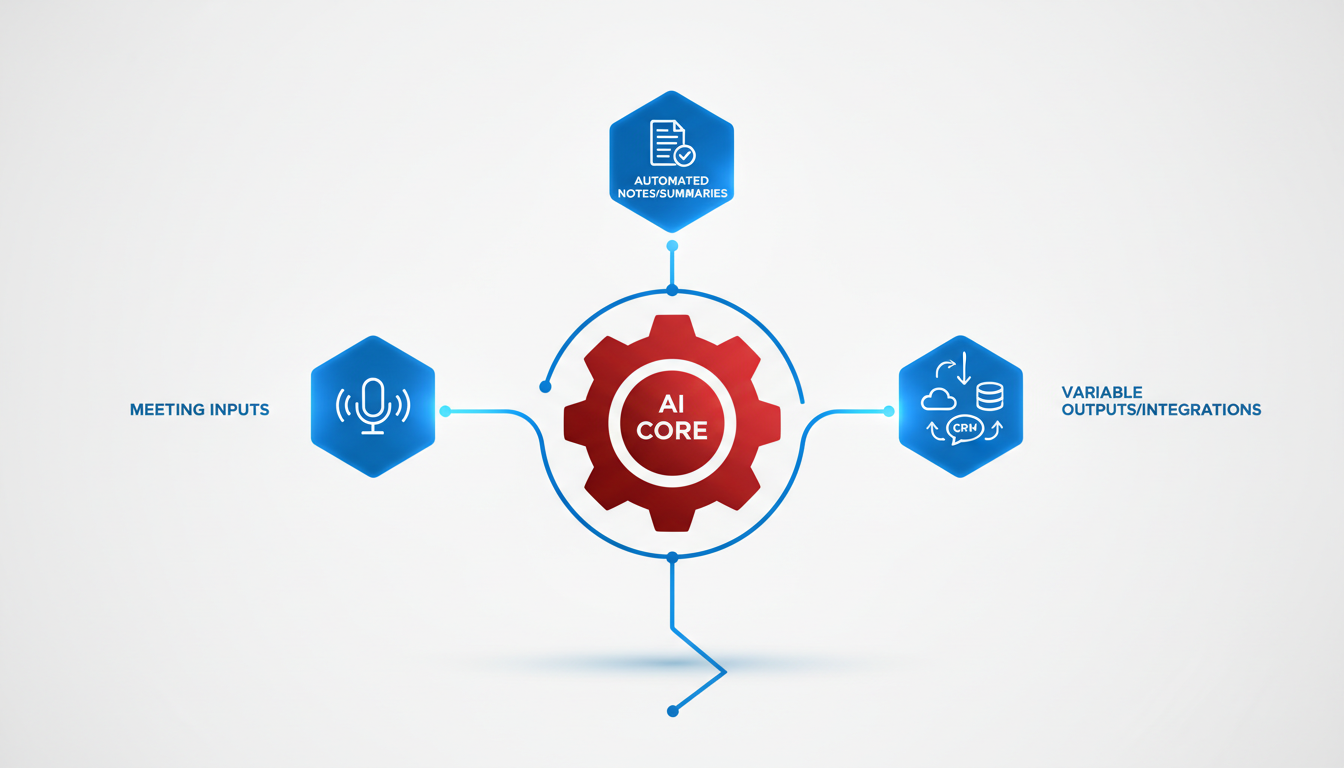
If you're looking for a flexible AI meeting notes generator, Fathom stands out with its versatility and ease of use. Imagine wrapping up a lively meeting where everyone contributes — but you're left wondering who said what and how to capture the essence. Enter Fathom, your AI ally, designed to streamline your workflow by providing unlimited recordings and AI summaries that adapt to your team’s needs.
Unlimited Recordings and Summaries
Fathom offers unlimited recordings, making it ideal for teams that operate in high-pace environments or have lengthy meetings. This feature ensures you’re not restricted by time caps, allowing you to record substantial content without interruptions. The AI-generated summaries are a game-changer, distilling long conversations into actionable insights and key takeaways — so no more sifting through endless minutes post-meeting.
Seamless Integrations
One of Fathom’s noteworthy advantages is its seamless integration with major platforms like Google Meet, Zoom, and Microsoft Teams. Whether you’re in a brainstorming session or a strategic meeting, Fathom naturally integrates, creating a frictionless experience that requires minimal setup. You’ll find that this adaptability makes it a favorite among diverse teams looking for an easy plug-and-play solution.
Free Tier Benefits
Fathom’s generosity doesn’t stop at unlimited recordings. Within the free tier, you receive 5 'Ask Fathom' queries — a handy tool for diving deeper into specific moments or clarifications needed from your meetings. This empowers teams to quickly access insights or revisit discussions without revisiting the entire transcript.
Key Insight: Fathom’s combination of unlimited usage and flexible integrations makes it a practical choice for teams prioritizing depth and ease in their meeting documentation process.
Ideal for Teams Needing Flexibility
Fathom is perfect for teams that thrive on adaptability. Whether you're an ops manager juggling multiple meetings or a project lead ensuring all action items are covered, Fathom caters to those requiring comprehensive, yet manageable, meeting insights.
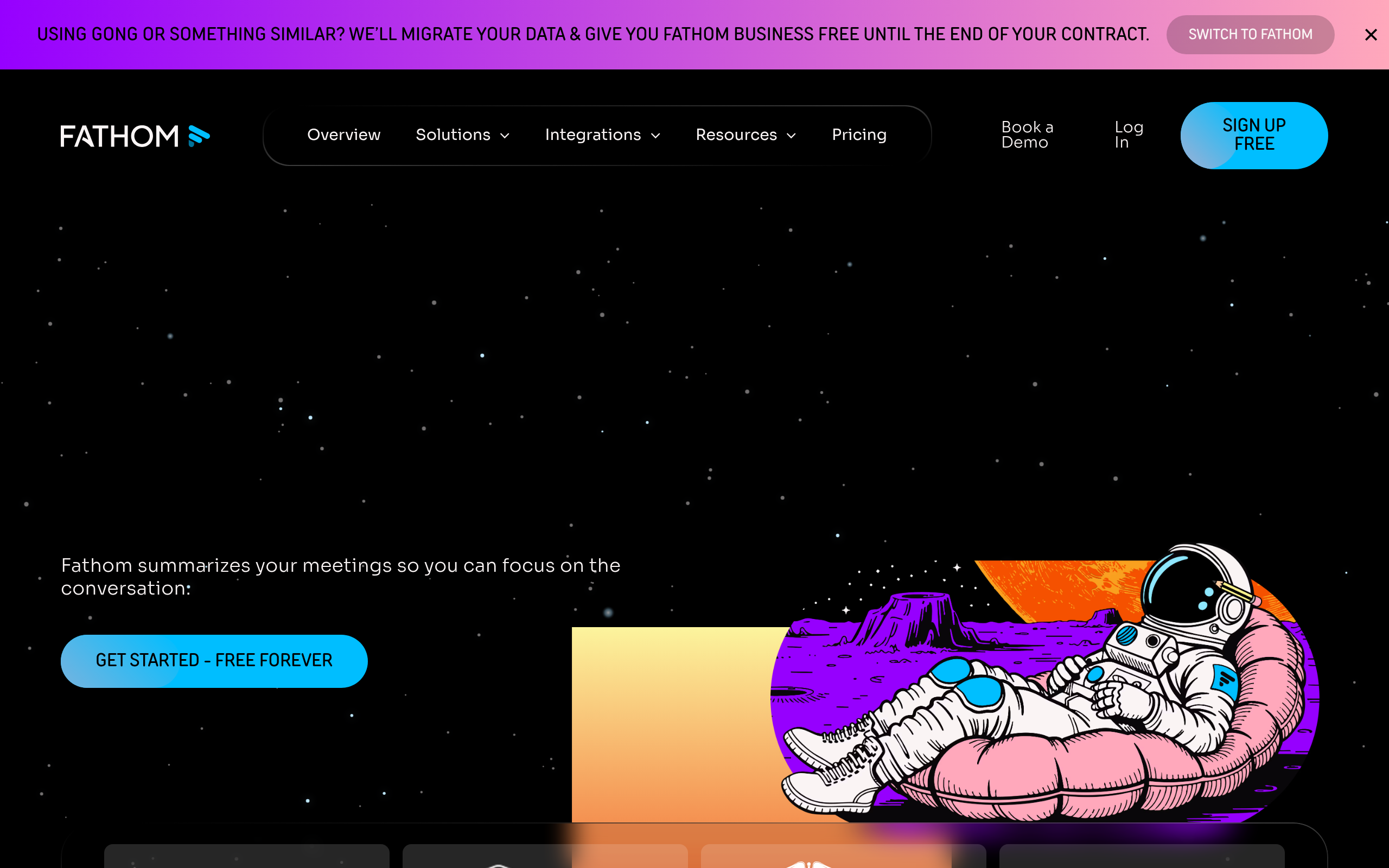
For those just starting with AI meeting tools, Fathom provides a friendly entry point. Its free-tier benefits and integration capabilities are well-suited for teams ready to enhance their workflow without the pressure of immediate upgrades. When you’re ready for more, the path to advanced features is seamless and compelling.
2. tl;dv — Ideal for Multilingual Teams
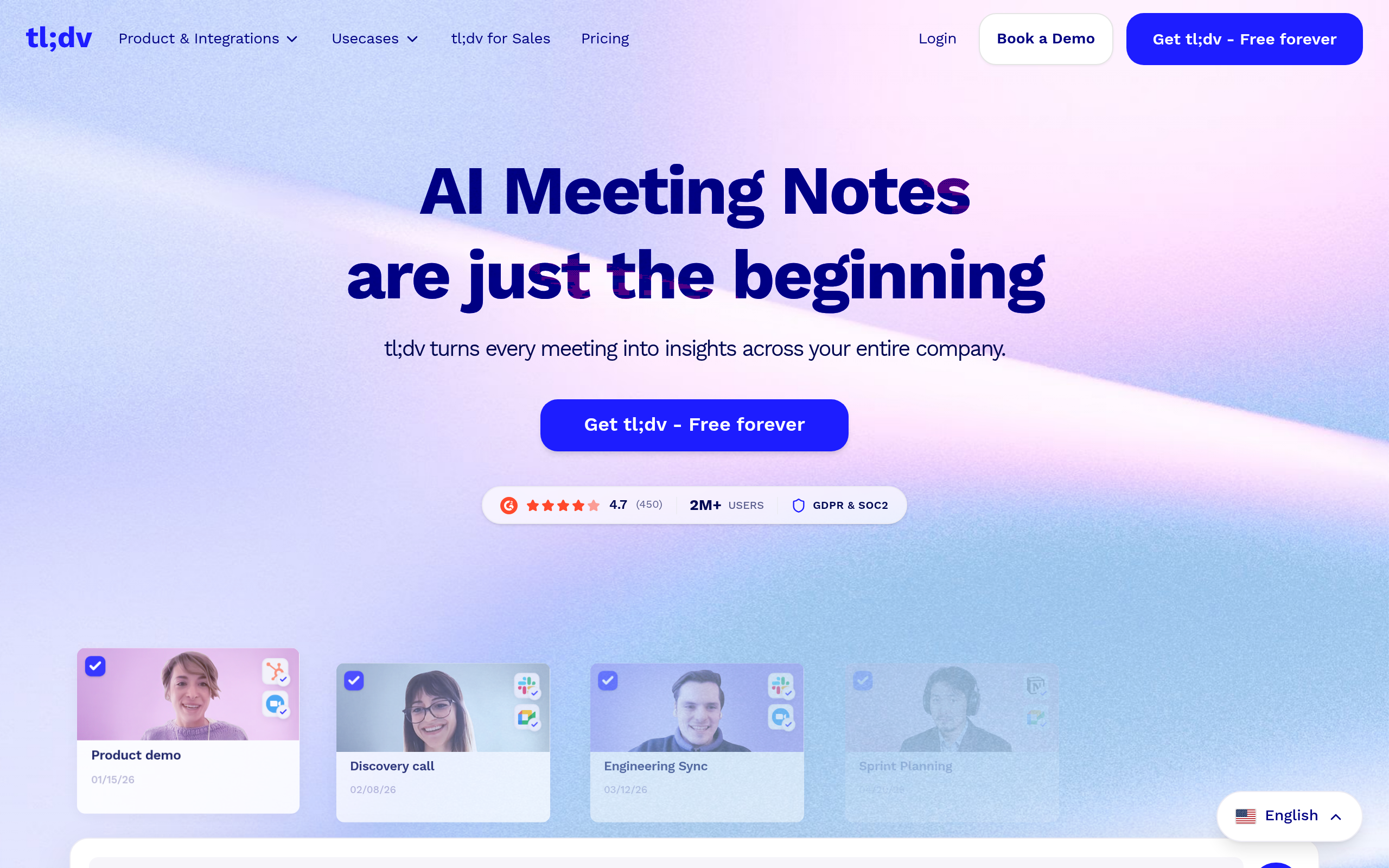
When it comes to a free AI meeting notes generator that can effortlessly switch between languages, tl;dv stands out. This tool supports transcription in over 40 languages, making it a dream for multilingual teams who need seamless communication across borders.
With tl;dv, you'll find auto-speaker recognition, which is a game changer for meetings with diverse participants. No more guessing who said what—this AI assistant neatly organizes your transcripts with clear speaker labels. It’s like having a personal notetaker that never misses a beat.
But what truly sets tl;dv apart is its generous free-tier offering—worth noting in the crowded space of AI meeting tools. Teams benefit from its 10x AI note capabilities, enabling users to generate detailed summaries and action items quickly. It’s more than just converting speech to text; it provides structured insights that can elevate post-meeting follow-ups.
"For international teams, using tl;dv isn't just about understanding the meeting. It's about capturing nuances and ensuring that nothing gets lost in translation."
Let’s dig into why tl;dv might be your top choice if you're managing a team across multiple geographies:
- Multilingual Transcription: Supports over 40 languages, perfect for meetings that switch between languages or include participants with different language preferences.
- Auto-Speaker Recognition: Automatically distinguishes speakers, making it easier for team leads to track who said what and ensure accountability.
- Generous Free Tier: Get up to 10 AI-generated notes/reports per month, allowing you to make informed decisions without adding to your budget.
Despite these impressive features, it’s worth noting the limits of the free plan, which may push expanding teams toward a paid option eventually. The 10x note capability is a great start, but once that limit is reached, understanding the next steps to maintain workflow is crucial.
If your team thrives on international collaboration and multilingual communication, tl;dv is a strong contender. And when you reach the point where seamless, integrated transcription is vital, exploring tools like DeepScribe for comprehensive workflow solutions might be your next strategic move.
3. Otter.ai — Best for Knowledge Base Building
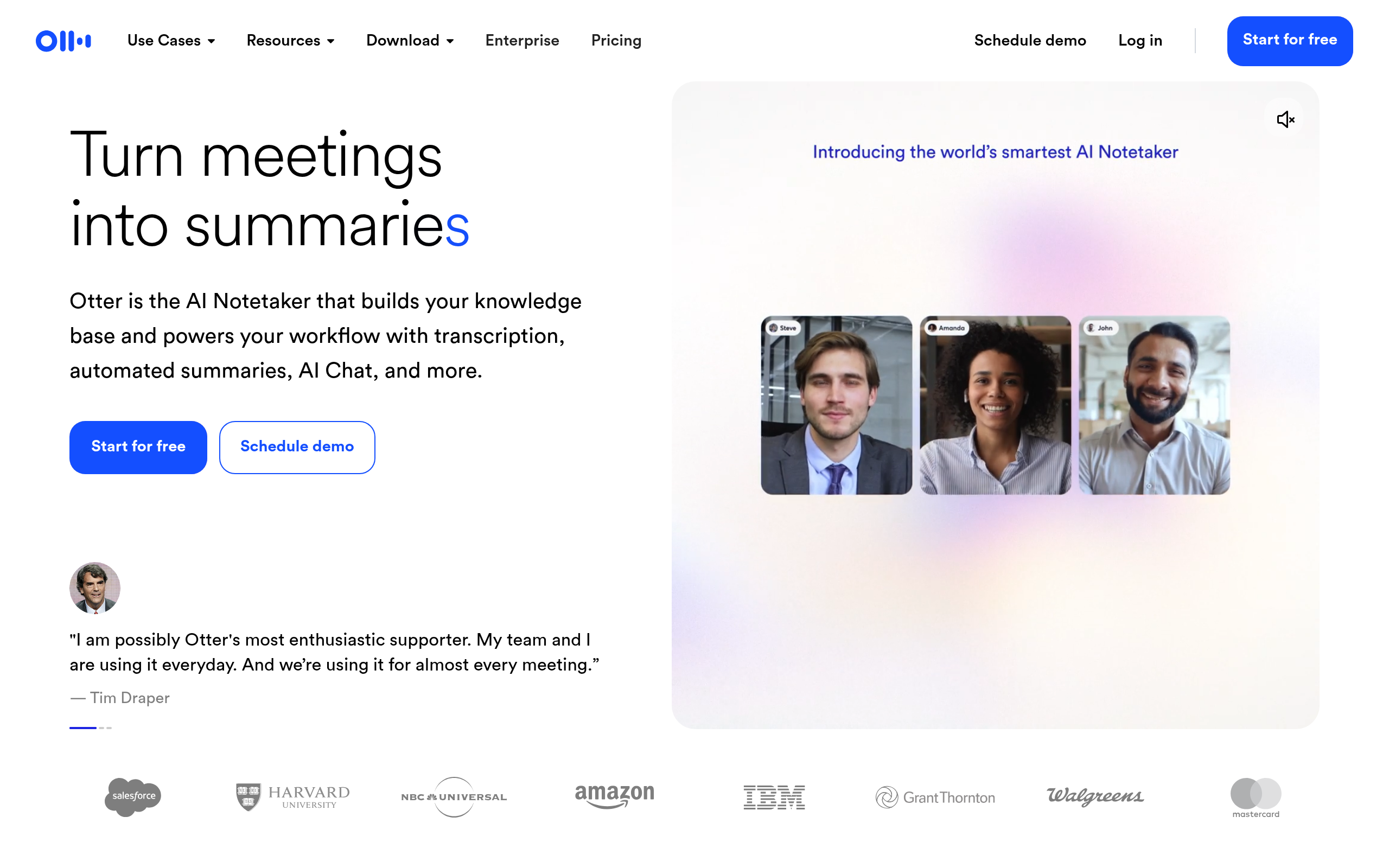
Navigating the realm of meeting notes generators, Otter.ai stands out as a powerhouse for those looking to build a robust knowledge base. Renowned for its ability to provide automatic AI summaries in multiple languages like English, French, and Spanish, it seamlessly transforms spoken dialogues into structured insights. This makes it a valuable tool for teams that prioritize capturing meeting intelligence efficiently.
Otter.ai is celebrated for its unlimited meeting capabilities, offering users a seamless flow of structured notes without the hassle of manual input. Imagine replacing the drudgery of maintaining complex knowledge archives with a solution that automatically sorts and categorizes information as you go. It's a game-changer for companies looking to streamline information management.
Integration is where Otter shines particularly bright. It works harmoniously with platforms like Zoom, Google Meet, and Microsoft Teams, ensuring that your meetings are captured accurately across environments. For teams focused on collaborative learning and continuous improvement, having Otter meeting notes easily accessible and exportable enhances the creation of a synchronized knowledge base. This capability allows project managers and team leads to refer back to crucial meeting moments, ensuring that no decision or action item gets overlooked.
"In the fast-paced world of digital meetings, Otter.ai ensures that every important detail is captured and accessible, making it an ideal choice for building a knowledge base," shares one satisfied user.
While Otter.ai's free tier is quite generous, it's essential to be aware of advanced feature caps. Despite being a potentially game-changing tool, some features – like highly detailed AI note-taking – may require a subscription plan for unlimited access. For those looking to elevate their team’s productivity, evaluating these features against current needs is wise.
In summary, if your goal is to harness powerful AI meeting notes to create an organized and easily retrievable knowledge base, Otter.ai delivers on that promise with flair and reliability.
4. Fireflies.ai — Comprehensive Free Features
When it comes to AI meeting assistants, Fireflies.ai stands out with its robust free offerings. For teams needing a reliable tool without breaking the bank, Fireflies.ai provides unlimited storage and transcription capabilities, supporting more than 25 languages. This wide linguistic coverage ensures that no matter where your team is based, Fireflies has got you covered.
Fireflies.ai integrates seamlessly with multiple platforms, including Google Meet, Zoom, and Microsoft Teams. This makes it an excellent fit for teams using diverse communication tools, ensuring your meeting transcription needs are met across the board. The beauty of this integration is how Fireflies simply becomes part of your existing workflow, recording and transcribing meetings with minimal setup. You won't need to switch platforms or disrupt your routine, making it a practical choice for busy teams.
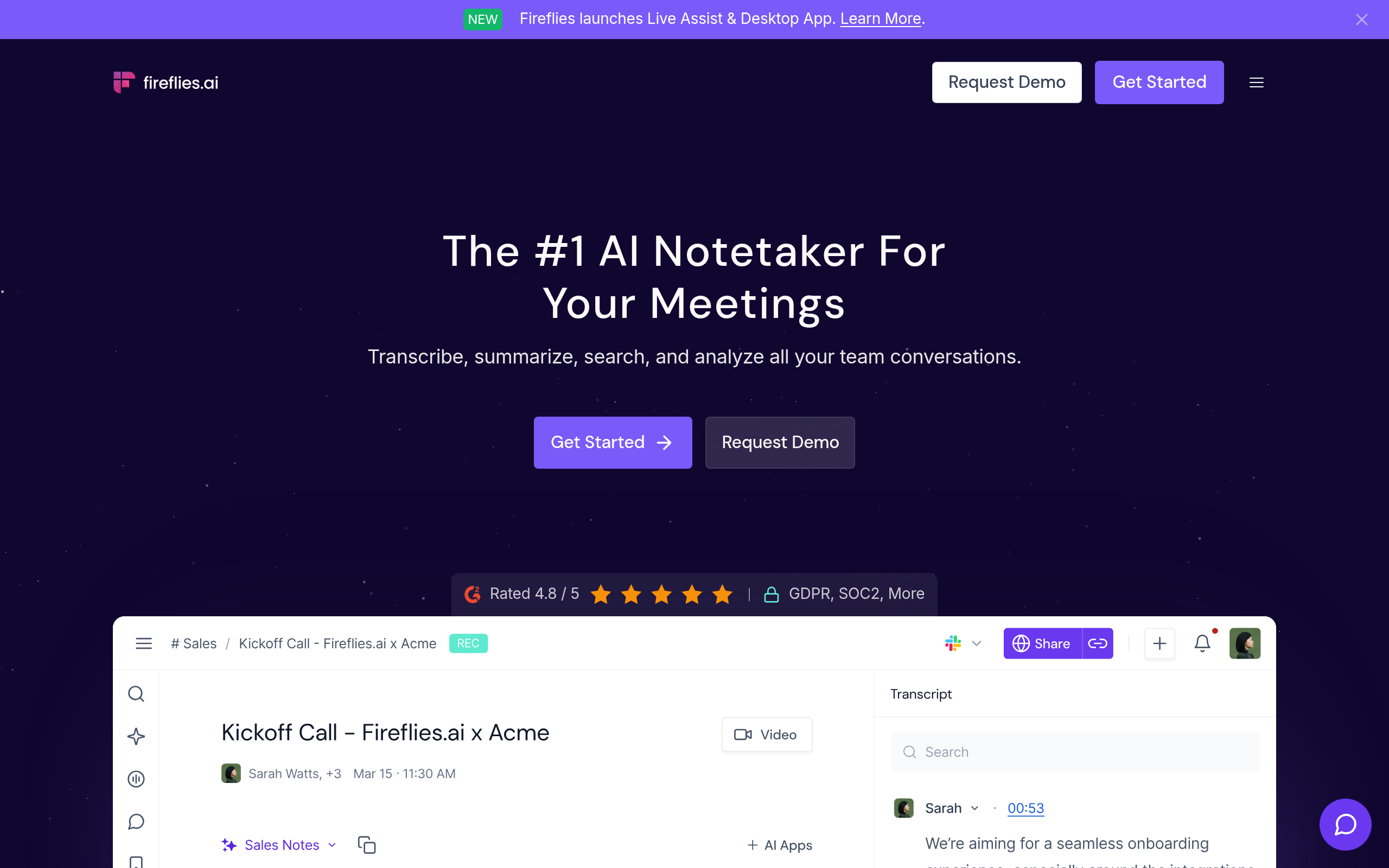
Unlimited storage and transcription are particularly noteworthy. You don't have to worry about hitting a limit mid-month, which is a common frustration with many other tools. For organizations with heavy note-taking needs, this feature alone can be a game-changer.
While the free version offers substantial features, there's also a Pro upgrade available. At $19/user/month, the Pro plan unlocks a suite of advanced features ideal for teams seeking more comprehensive solutions. This includes custom templates, higher security, and more, making it a worthwhile consideration as your team’s needs grow.
However, be mindful of what “free” captures in this context. Advanced AI functionalities often start at a premium, so it's essential to evaluate whether the free tier meets your core requirements before scaling up.
“If your team is spread across continents and you need consistent transcription quality, Fireflies.ai's multilingual support is a huge asset.”
If you're evaluating options, Fireflies.ai should definitely be on your list. It offers a balance of flexibility, integration, and multilingual support that few other free tools can match, particularly if you're meeting-heavy across different languages and platforms.
5. MeetGeek — Automated Meeting Management
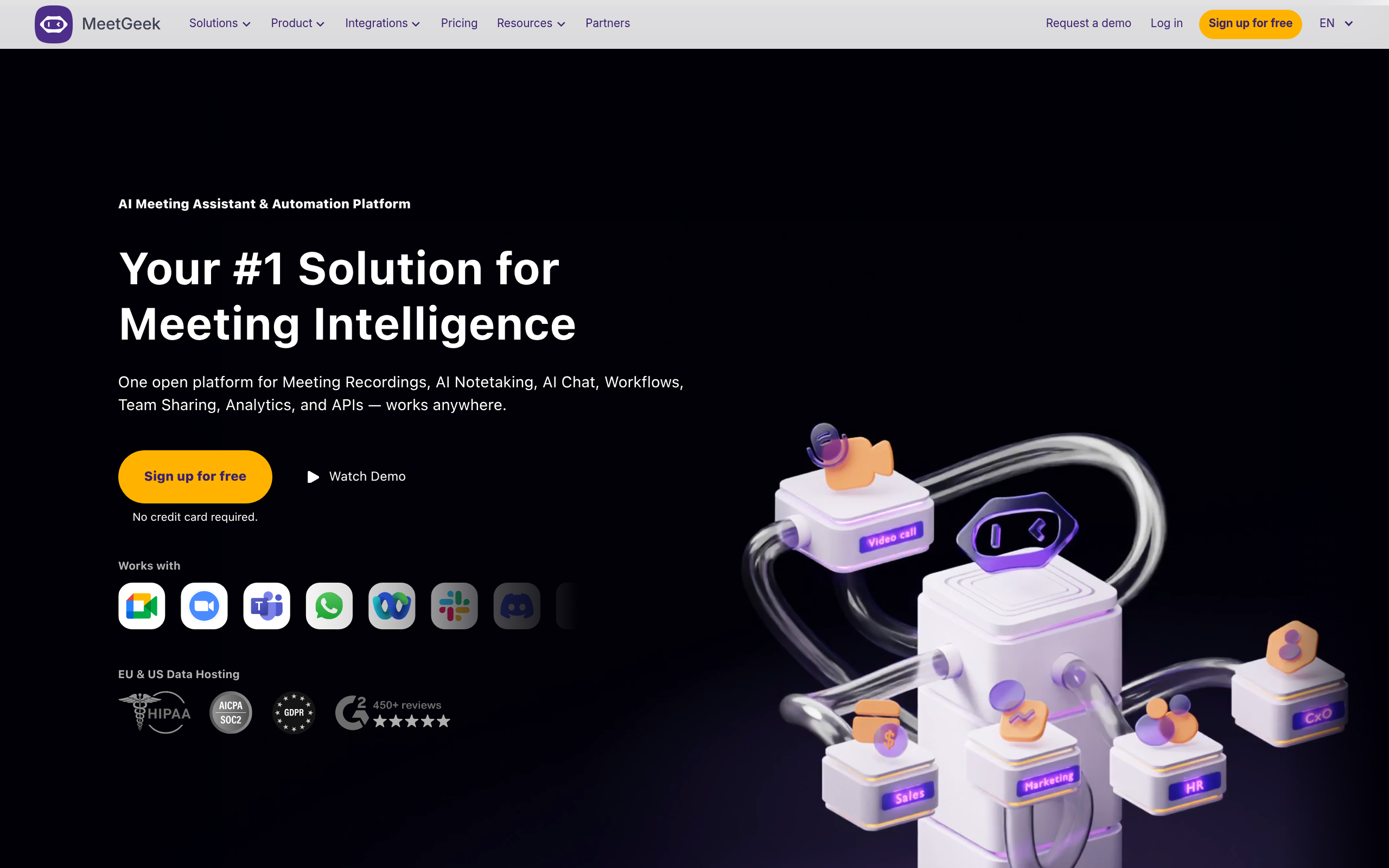
Navigating the maze of meeting management becomes a breeze with MeetGeek, a powerhouse tool optimized for automatic recording and summarization. Whether you’re juggling multiple meetings across platforms or need a concise recap ready for action, MeetGeek ensures nothing slips through the cracks.
Seamless Recording and Summarization
Imagine this: your team just concluded a high-energy virtual call brimming with ideas, decisions, and follow-up tasks, yet no one is tasked with note-taking. MeetGeek steps in by automatically recording your meetings, capturing every key moment without human intervention. This feature, tailored for the modern workplace, ensures that no detail is lost, offering comprehensive transcriptions and summaries post-call.
Incorporating AI technology, MeetGeek transforms raw meeting data into structured summaries. This includes crucial decisions and actionable items, ensuring that each participant is clear on their next steps. Think of it as having a diligent virtual assistant who never misses a beat.
A Dashboard Designed for Teams
The power of MeetGeek doesn't stop at automation. Its team dashboard offers an eagle-eye view of your meeting history, allowing teams to easily manage past recordings and centralize all meeting data. This feature is incredibly convenient for operations-heavy environments where tracking and accountability are paramount.
The dashboard acts as a collaborative hub, meaning teams can revisit meetings, reinforce accountability, and maintain a streamlined workflow. By having a central repository, your team can ensure continuity and clarity in their projects, no matter how many meetings are in the calendar.
Why MeetGeek Shines for Ops Teams
MeetGeek excels for operations managers and team leads who thrive in structured environments. It empowers users by automating the mundane yet critical aspects of meeting management, from recording to summarization. Its intuitive interface and robust capabilities ensure you spend less time on administrative tasks and more on driving outcomes.
Key Takeaway: As remote work continues to grow, leveraging tools like MeetGeek ensures your team remains efficient and focused, capturing every essential detail without the manual overhead, ultimately leading to a more productive workplace.
"MeetGeek transforms the chaos of meetings into clarity, making operational excellence a standard, not a goal."
By integrating MeetGeek into your team’s workflow, you're not only optimizing meeting management but also fostering a culture of efficiency and accountability. For teams looking to streamline operations, MeetGeek proves itself as an indispensable ally.
6. DeepScribe — Best All-in-One Solution
When it comes to free AI meeting notes generators, DeepScribe stands out as the best all-in-one solution for those seeking a comprehensive workflow. This tool brings together transcripts, summaries, action items, and exports, making it the ideal choice for teams that have outgrown free-tier constraints.
DeepScribe is powered by Whisper, which ensures an impressive 99% transcription accuracy. This means it effectively handles different accents and background noise, which is crucial for teams with diverse members. With DeepScribe, you can export your meeting notes in various formats—TXT, DOCX, PDF, SRT, and VTT—depending on your plan. This flexibility ensures that you can share your transcripts and summaries in the format that best suits your team's needs.
What makes DeepScribe particularly compelling is its ability to seamlessly integrate with major platforms like Zoom, Microsoft Teams, and Google Meet. This allows the tool to join meetings automatically, capturing every detail with speaker labels. The summaries and action items extracted post-meeting are specifically designed to convert conversations into actionable steps, which is a massive win for teams looking to improve follow-through.
For teams concerned about the limits of free plans, DeepScribe’s 30 free minutes per month is enough to test its robust capabilities. As needs grow, the upgrade path remains straightforward, with plans starting from $15 per month for more comprehensive usage.
If your team runs multilingual meetings, DeepScribe's support for over 100 languages—with automatic language detection—ensures no information is lost in translation.
Takeaway: DeepScribe is not just about transcription; it’s about transforming how teams document, share, and act on information. Its all-in-one capability is tailored for teams ready to move beyond basic free tools and take advantage of a seamless transcription ecosystem.
Here’s how DeepScribe fits into your workflow:
- Transcription and Action Items: Automatically adds speaker labels and extracts tasks, ensuring nothing is missed.
- Export Flexibility: Choose from multiple formats for versatile sharing options.
- Growth Without Constraint: Supports increasing needs with a simple upgrade path.
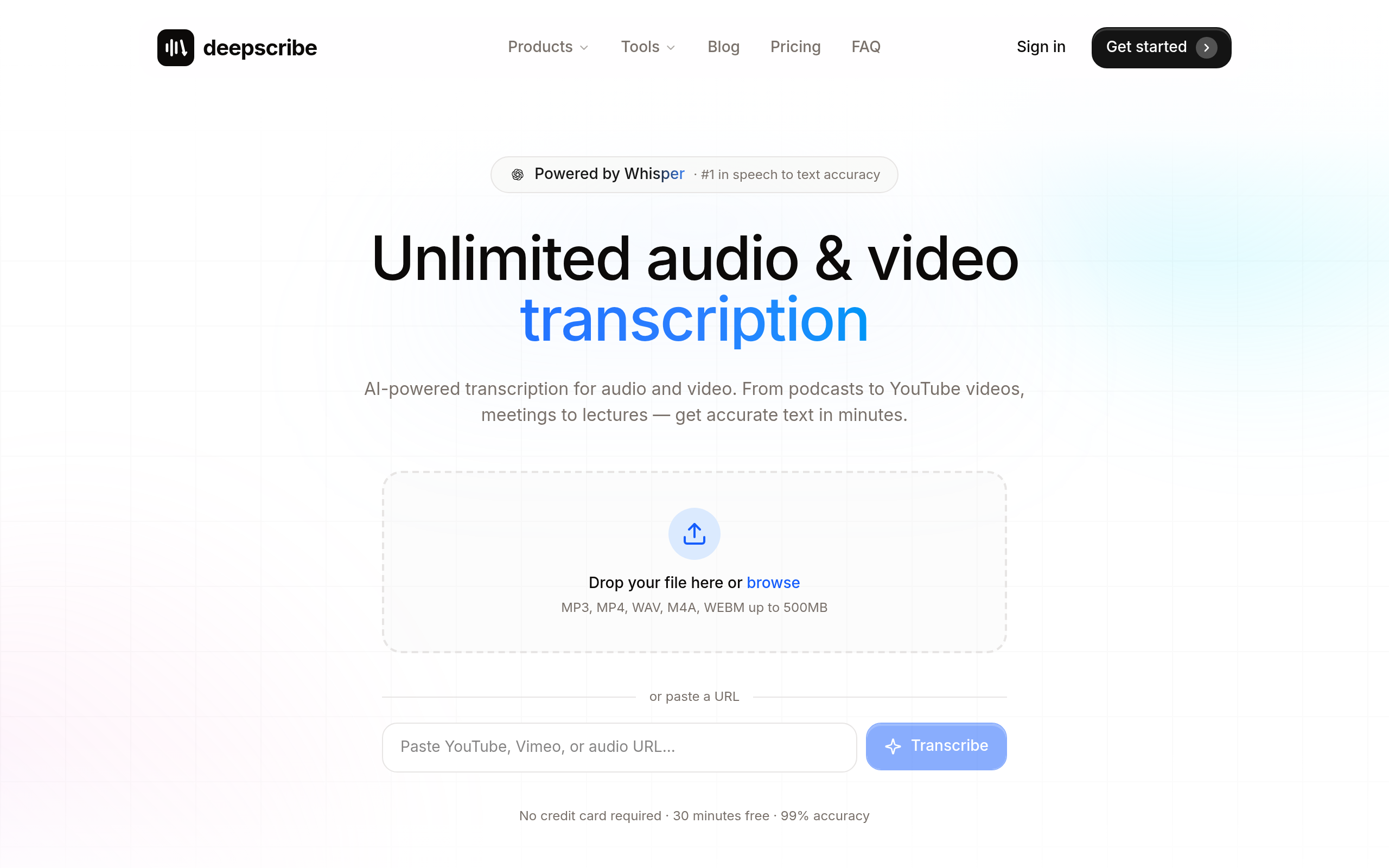
For those who value clean, structured notes with reliable delivery, DeepScribe is a sophisticated choice that's ready to scale with your team.
Decision Matrix: Match the Right Tool to Your Needs
Selecting the perfect AI meeting summary generator can feel daunting with so many options available. Here's a handy decision matrix to help you quickly identify the best tool based on your specific needs, whether it's live transcription, multilingual support, or bot-free solutions.
Meet-Centric Needs
For teams primarily using Google Meet, Zoom, or Microsoft Teams, DeepScribe stands out. It offers a seamless Meeting Notetaker experience, automatically joining your calls to provide live transcription, detailed summaries, and actionable insights. This ensures nothing gets lost in transition from call to notes, and all outputs are structured and shareable immediately.
Multilingual Requirements
If multilingual support is critical, tl;dv offers transcription in more than 40 languages, making it ideal for international teams. Each meeting is recorded with auto-speaker recognition, allowing teams to keep track of discussions across different languages. For those encountering language barriers, this feature is invaluable.
Bot-Behavior Considerations
Some teams prefer tools that don't require a bot joining every call for privacy reasons or trust concerns. MeetGeek simplifies this with auto-join recording capabilities, avoiding the need for an external presence. It streamlines the process of capturing summaries and action items without the visible "bot" presence that some might find intrusive.
Export Flexibility
When it comes to export functionalities, DeepScribe provides an all-in-one solution. Depending on your plan, you can export notes in various formats such as TXT, DOCX, PDF, SRT, and VTT. This versatility caters to diverse documentation needs, from sharing simple text files to creating detailed transcripts with speaker labels.
Here's a quick reference table to guide your decision:
| Feature | DeepScribe | tl;dv | MeetGeek | Otter.ai |
|---|---|---|---|---|
| Live Transcription | ✔ | ✔ | ✔ | ✔ |
| Multilingual Support | 100+ | 40+ | Limited | EN/FR/ES |
| Bot-Free Option | ✘ | ✘ | ✔ | ✘ |
| Unlimited Transcription | Pro+ Plans | ✘ | ✘ | ✘ |
| Exports Formats | Multiple | Limited | Basic | Basic |
Key Takeaway: When scalability and comprehensive features are crucial, DeepScribe is unmatched. For multilingual teams, tl;dv offers robust options, while MeetGeek caters to privacy-conscious users looking for a bot-free experience. Evaluate what matters most to your team, and choose a tool that's not only free but future-proof.
By aligning the tool's capabilities with your team's unique requirements, you can ensure seamless integration and maximum productivity in your post-meeting processes.

## Implementation Playbook: Driving Adoption in 7 Days
Implementing AI meeting note generators in your team can seem daunting, but with an organized approach, you can ensure seamless adoption in just a week. Let’s break down the process into actionable steps that cater to both *remote work AI note taking* and the creation of *AI follow-up emails*.
### Day 1: Setting the Stage
**Kickoff Meeting**: Start with a team meeting to introduce the tool. Explain how it automates transcription, summarization, and action item extraction for platforms like Zoom and Google Meet. Share the specific benefits tailored to your team's pain points, such as creating consistent notes and simplifying follow-ups.
> **Key Insight**: "Presentation is everything—highlighting the time-saving benefits and concrete outcomes increases buy-in."
### Day 2-3: Hands-On Training
**Tool Demonstration**: Provide a hands-on demo, using DeepScribe as the primary tool for its comprehensive capabilities—like handling multilingual transcription with automatic language detection and exporting transcripts in formats like DOCX and PDF. Make sure to show specific features like speaker detection and AI-generated summaries.
**Training Session**: Set up a session for team members to explore the tool with sample meetings. Encourage them to try features like *live transcription* and *AI summaries*, emphasizing DeepScribe’s **99% accuracy** due to its Whisper-powered engine.

### Day 4: Integration with Daily Workflows
**Integration Strategy**: Demonstrate how to integrate AI note-taking into daily routines. For example, using the Meeting Notetaker to auto-join meetings and automatically compile notes helps establish a smooth operation without extra steps.
**Checklist Distribution**: Give out a team-ready evaluation checklist focused on operationalizing notes, such as ensuring meeting decisions and action items are well-documented and easily accessible.
### Day 5: Addressing Concerns and Feedback
**Feedback Loop**: Create a channel for team feedback regarding concerns such as bot participation in meetings or transcription accuracy, especially in multilingual settings. Use this feedback to make necessary adjustments.
### Day 6: Encourage Consistent Use
**Adoption Incentives**: Offer small incentives for consistent usage or nominate a "power user" to champion the tool, answer questions, and provide peer support.
**Case Study Sharing**: Present success stories or case studies from the first uses, showing tangible benefits like reduced manual note inconsistency or improved meeting follow-through.
### Day 7: Evaluation and Adjustment
**Review Session**: Conclude with a review session to assess the tool's impact and decide on further steps. Discuss any final challenges and brainstorm solutions or necessary adjustments to maximize efficiency.
> **Takeaway**: "A structured rollout with feedback loops and training ensures seamless integration without resistance."
### Meeting Notes and Follow-Up Templates
To ease the adoption, provide templates tailored to the outputs of DeepScribe. These should include sections like Decisions, Risks, and Action Items with designated owners, aligned with the AI’s output to streamline workflows.
This structured approach helps ensure a hassle-free deployment of AI meeting note generators, paving the way for improved meeting management and efficient workflows.
## Conclusion: Choosing Your Best-Fit AI Meeting Tool
With the growing reliance on **AI meeting notes** tools, finding the right fit for your team can be transformative. Each tool has its advantages, but understanding your team's specific needs will guide the best choice.
**Top Picks by Scenario**
For those primarily using Google Meet, **tl;dv** offers video recordings and transcription in over 40 languages, making it a versatile choice for international teams. **Fathom** stands out for Google Meet and Zoom users, providing unlimited recording, transcription, and AI summaries with action items—a convenient package for fast-paced environments.
If capturing detailed meeting notes without a bot joining live is crucial, **MeetGeek** and its auto-join recording feature might be suitable. Meanwhile, **Otter.ai** serves teams who need live transcription and automated summaries, especially those spanning English, French, and Spanish.
**Why DeepScribe is the Best Upgrade**
When you're ready for a comprehensive solution that includes transcripts, summaries, and action items in one seamless workflow, **DeepScribe** stands out. Powered by Whisper, it offers an impressive 99% accuracy, speaker labeling, and a range of export formats (TXT, SRT, DOCX, PDF, VTT) to suit diverse needs. Its ability to manage Zoom, Teams, and Google Meet meetings makes it an all-in-one powerhouse—ideal for when you outgrow basic free-tier options.

**Encouraging a Trial and Tailored Use**
It’s worth trialing a couple of tools to see which fits your workflow best, using each tool's free-tier limits to your advantage. Many teams discover they initially need structured summaries and action items, which can help streamline decision-making and accountability.
Ultimately, integrating the right AI meeting notes tool will save time, improve clarity, and enhance productivity across your team. Consider starting with **DeepScribe** for a robust feature set that can grow with your needs, offering the flexibility to upgrade plans (Basic at $15/month, Pro at $29/month, Business at $99/month) as your requirements expand.
## Frequently Asked Questions
### What is the best free AI meeting notes generator?
Fathom and DeepScribe are top picks, with Fathom offering notable free features and DeepScribe being ideal for advanced needs.
### How do AI meeting notes generators work?
They automate transcription, summarization, and action item extraction from meetings using AI.
### Which tools work with Google Meet and Zoom?
Tools like Fathom, Fireflies.ai, and DeepScribe offer integration with platforms like Google Meet and Zoom.
### Are there free AI meeting notes tools for multilingual meetings?
Yes, tl;dv and DeepScribe provide strong multilingual support.
### Can AI meeting notes generators export to PDF?
Yes, many tools including DeepScribe, support exporting to formats like PDF.
## Final Thoughts
In selecting the best AI meeting notes generator, consider your specific needs. For those requiring an integrated solution without the hassle of constantly hitting free-tier limits, **DeepScribe** stands out. It seamlessly combines transcription, action items, and export features into one smooth workflow. Remember, the free tier offers 30 minutes per month—perfect for a trial run.
Here are some quick tips:
- **Scenario 1**: If your team needs a comprehensive solution, DeepScribe’s Business plan offers unlimited transcription and custom integrations.
- **Scenario 2**: For individual professionals, the Pro plan covers 900 minutes/month, with priority support and export options.
As a next step, choose one tool and run a one-week pilot using a meeting-note template. If you require a full-service experience—transcript, summary, action items, and exports—try DeepScribe. Start your journey with the free tier [here](https://deepscribe.io) and explore the upgrade options when ready.Written by

DeepScribe Team
Content Team
The DeepScribe content team shares insights on audio transcription and AI technology.
Related Articles
Continue reading about this topic

7 Best Free AI Meeting Notes Generators (2026)
Explore the top free AI meeting notes generators for 2026. Learn how these tools transform meetings into actionable insights with transcripts, summaries, and exports.

DeepScribe Team
March 6, 2026 · 25 min read · 4,881 words

How to Auto Summarize Meetings With AI: A Complete Guide
Discover an end-to-end system for creating reliable AI meeting summaries. Validate and export summaries using DeepScribe to drive actionable insights.
DeepScribe Team
March 6, 2026 · 17 min read · 3,358 words